On this page
Quick Recap
- Free downloaders such as AdLibNote and Copyfy's paste-a-link tool get the video file onto your computer, which is enough for one ad now and then.
- Proveny's Facebook ad saver extension is free to add and keeps each video with its copy, button, landing page and run dates, which is what a swipe file needs once the ad goes offline.
- Paid platforms like Foreplay (from $59 per month), Swipekit (from $26) and GetHookd (from $29) make sense for teams that share boards, track brands or search a large ad database.
- The details saved next to the video, such as the copy, the landing page and how long the ad ran, decide whether a saved ad still teaches you something three months later.
- A saved ad pays off only when it leads to a new ad of your own, so the format and the hook are what you take from it, not the advertiser's video.
The 6 Best Facebook Ad Library Downloaders Compared
The six tools fall into three groups: free downloaders that save the file, a free saver that keeps the ad's details, and paid swipe-file platforms. Here is how they compare, with prices checked on each tool's own page.
| Type | Price | What it keeps | Best for | |
|---|---|---|---|---|
| Proveny's ad saver extension | Chrome extension and Ad Collection | Free (200 saved videos), paid plans from $15/month | Video, copy, button, landing page, run dates | A free swipe file of video ads |
| AdLibNote | Chrome extension | Free | The video or image files | One-click file downloads |
| Copyfy Facebook Ads Downloader | Website, paste a link | Free, no account | Files, copy, headline, button, landing page, start date | One ad without installing anything |
| Foreplay | Swipe-file platform with extension | From $59/month, 7-day trial | Saved ads in shared boards | Creative teams and agencies |
| Swipekit | Swipe-file platform with extension | From $26/month, 14-day trial | Saved ads, boards, tracked brands | Small teams on a budget |
| GetHookd | Ad research platform with extension | From $29/month, 7-day trial | Saved ads and a database of live Meta ads | Research across a whole niche |
1. Proveny's Ad Swipe File Extension
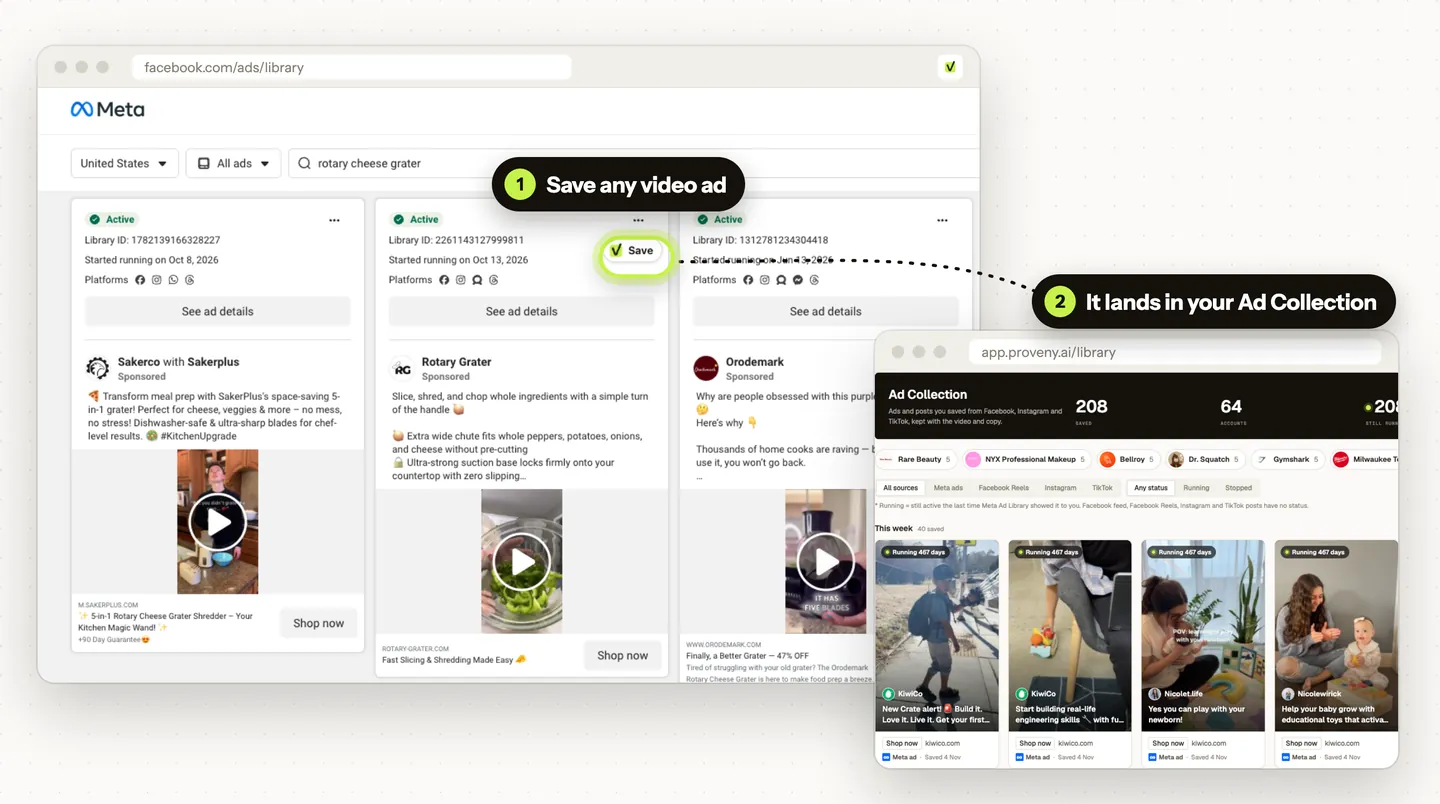
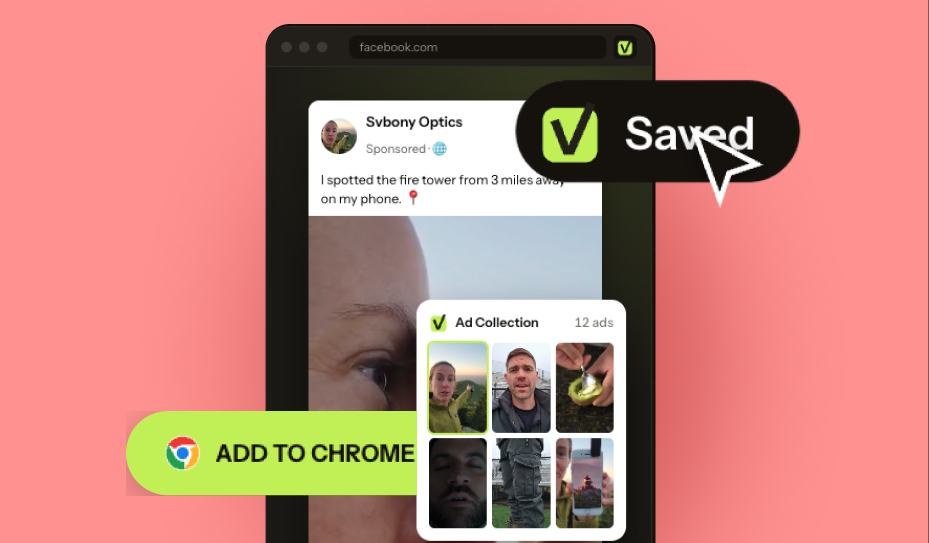
Proveny's Meta ad downloader is a free Chrome extension that adds a Save button to video ads in the Meta Ad Library and sends each one to your Ad Collection in Proveny. We built it because a video file alone loses the context that makes an ad worth studying.
The main features are:
- Save with the details: each ad keeps its video, copy, button, landing page link and advertiser, and Ad Library ads also keep the dates they ran and whether they are still running.
- Save loaded ads: on a brand's Ad Library page, one click saves every ad the page has loaded.
- Beyond the Ad Library: the same button works in your Facebook feed and on Facebook Reels, and on Instagram and TikTok once you turn them on in Settings.
- The file when you need it: any saved video can be downloaded from the Ad Collection.
Pricing: Proveny's Facebook ad saver for Chrome is free and needs a free Proveny account, with no card. The Free plan keeps up to 200 saved videos, and paid Proveny plans start at $15 per month with 500.
Limits: it saves video ads only, so image and carousel ads are skipped, and it runs in Chrome on a computer.
Best for: media buyers and store teams who want a free swipe file of video ads with the copy and landing page attached.
2. AdLibNote
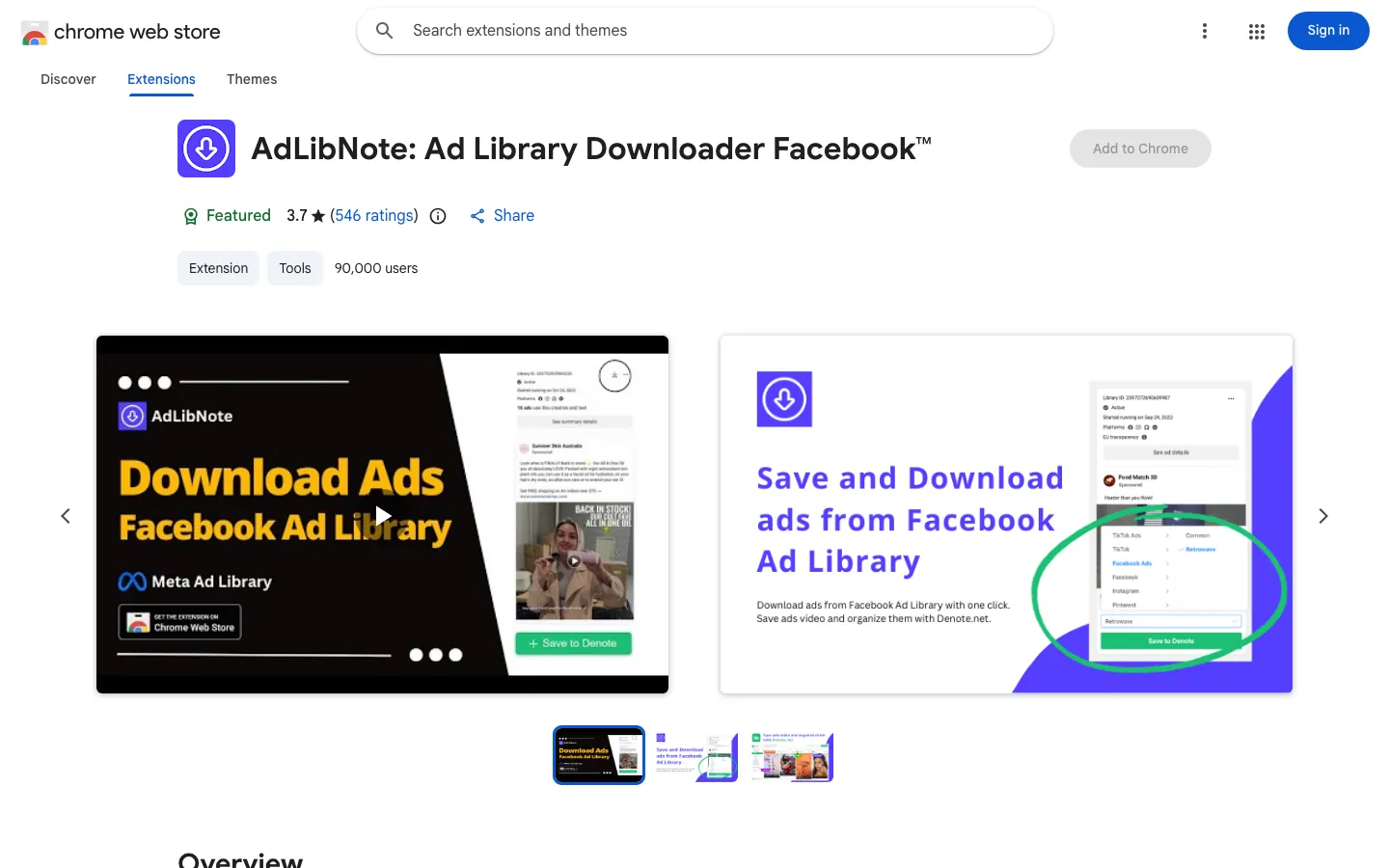
AdLibNote is a free Chrome extension that adds a download option to ads in the Meta Ad Library. With about 90,000 users in the Chrome Web Store, it is the most installed tool on this list.
The main features are:
- One-click download: it saves Facebook and Instagram ads from the Ad Library, including carousel and dynamic creative ads.
- No login: the extension works without an account.
- Optional boards: saved ads can also go to Denote, a separate ad board tool that the listing links to.
Pricing: free.
Limits: you get the file only, so the copy and the landing page need to be copied by hand. A rating of 3.7 from 546 reviews suggests results vary.
Best for: anyone who wants an ad's video file in one click at no cost.

Drama, UGC or demo ads. Any concept, any product.
Every ad shows your product working accurately.
3. Copyfy Facebook Ads Downloader
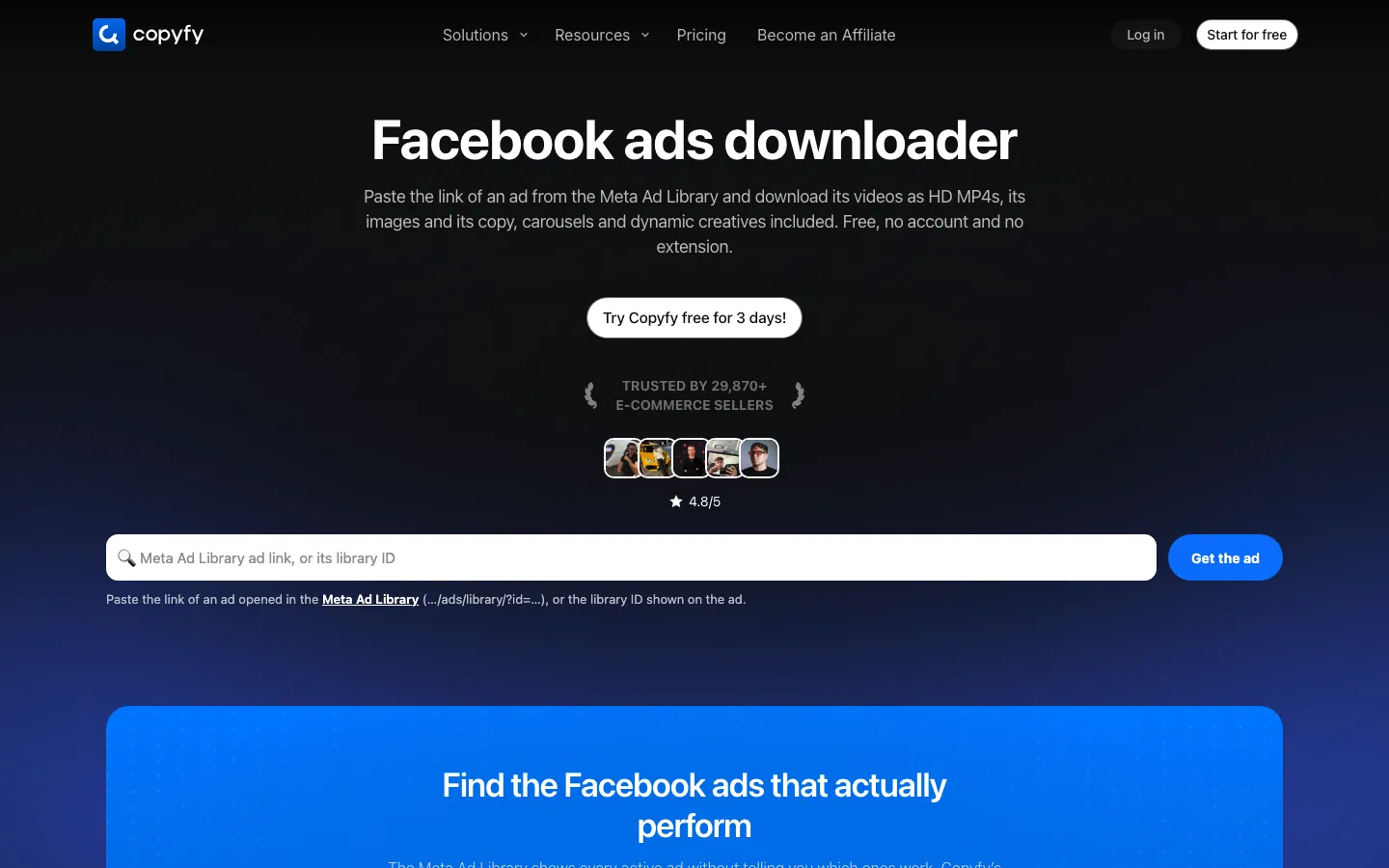
Copyfy's Facebook Ads Downloader is a free web page: you paste the link of one ad from the Meta Ad Library, or its library ID, and it returns the ad's files. It needs no account and no extension.
The main features are:
- Every file of the ad: videos in HD and SD, images at full size, and each carousel card and dynamic creative version.
- Text and context: the primary text, headline, button, landing page, advertiser, start date and whether the ad is still active.
Pricing: free. Copyfy's paid product is a separate ad and product research platform with a 3-day trial.
Limits: it takes one ad link at a time, a search page link does not work, and nothing is stored, so the folder is yours to keep.
Best for: grabbing one ad with its copy from any computer, without installing anything.
4. Foreplay
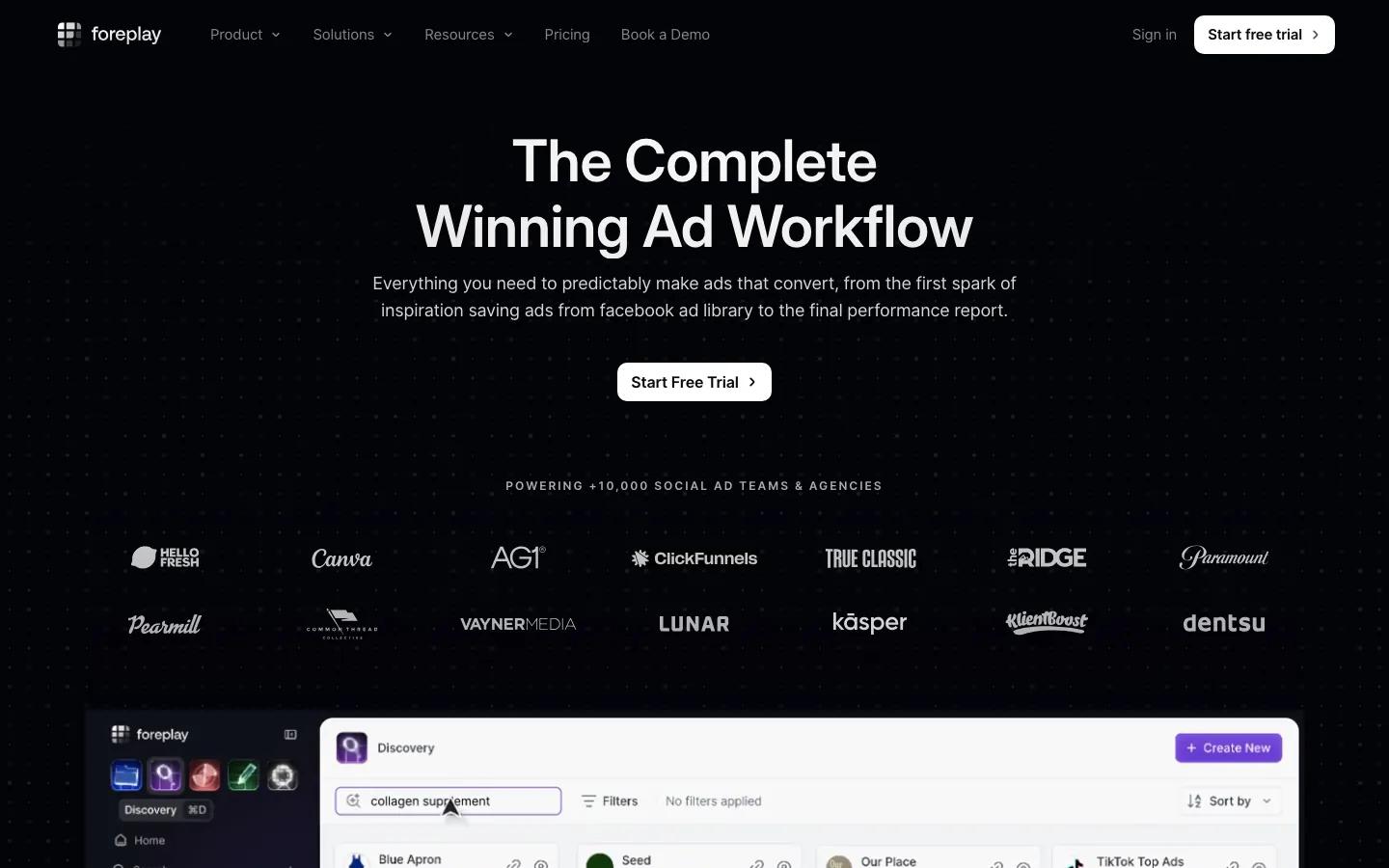
Foreplay is a swipe-file and creative workflow platform built for ad teams. Its free Chrome extension saves ads from the Meta Ad Library, TikTok Creative Center and LinkedIn into a shared Swipe File.
The main features are:
- Unlimited saves: the pricing page lists no usage limits on any plan.
- Boards: saved ads go into boards that a team can sort and share.
- Brand tracking: Foreplay keeps checking chosen brands' ads around the clock, so new tests show up without a manual search.
Pricing: Basic is $59 per month for one user, or $49 per month billed yearly, and Workflow is $175 per month for five users. Every plan starts with a 7-day free trial that needs a card.
Limits: for one person who only wants to keep ads, the price is high.
Best for: creative strategists and agencies who brief editors from a shared library.
5. Swipekit
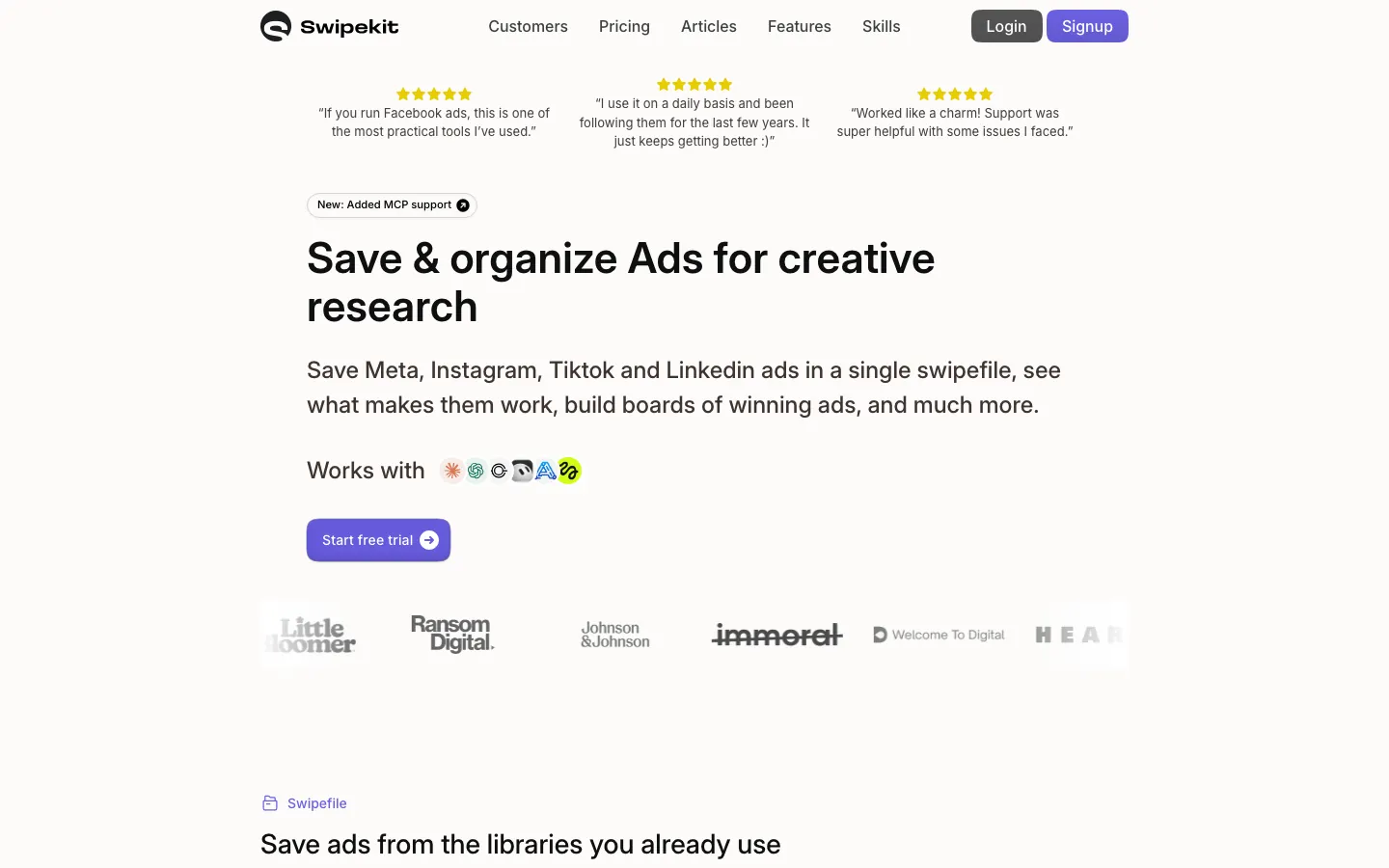
Swipekit is a swipe-file tool that saves Meta, Instagram, TikTok and LinkedIn ads into one library, with boards for organizing winners. It lists a Facebook Ad Library downloader among its features.
The main features are:
- Brand Tracker: it follows the ads of chosen brands, 5 on the Basic plan.
- Team seats: even the Basic plan includes 5 seats.
- AI access: Swipekit now supports MCP, so AI assistants such as ChatGPT can read your swipe file.
Pricing: Basic is $26 per month, Plus $46 and Agency $66, with lower prices billed yearly. The first 14 days are free, with no card.
Limits: the plans differ mainly in tracked brands, seats and API credits, so a solo user pays for room they may not need.
Best for: small teams that want a shared swipe file for less than the bigger platforms charge.
6. GetHookd
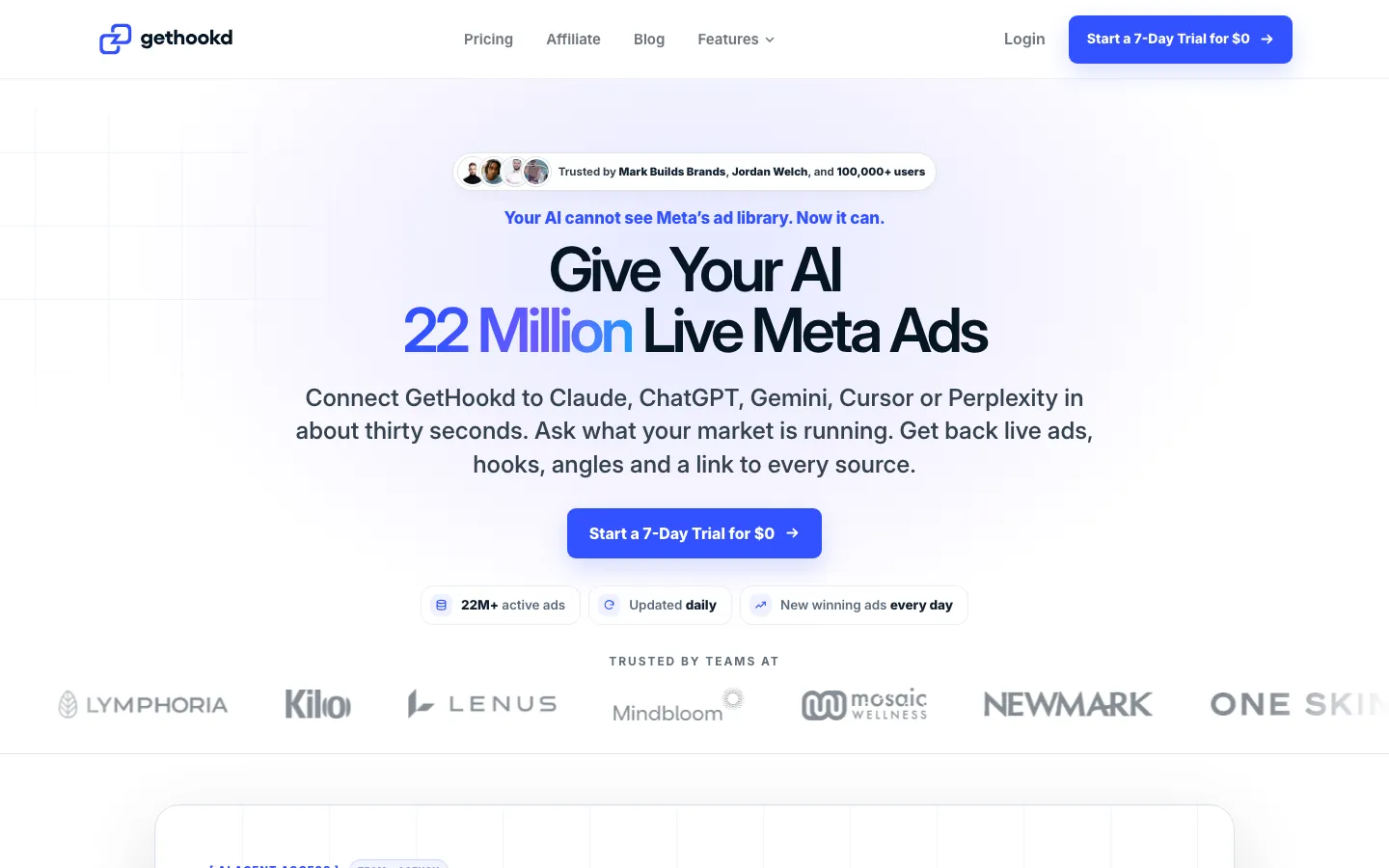
GetHookd is an ad research platform with a searchable database of more than 22 million live Meta ads, plus a Chrome extension for saving ads.
The main features are:
- Search and filters: the library filters by niche, format, how long an ad has run and performance signals.
- AI assistant access: GetHookd connects to Claude, ChatGPT, Gemini and other assistants, on yearly plans and on the Team and Agency monthly plans.
- Clone Ads: a winning ad can be turned into new static ad versions.
Pricing: Starter is $29 per month with 1 seat and 50 credits, Pro $49, Team $79 and Agency $129. Each plan starts with a 7-day trial for $0.
Limits: saving ads is a small part of a larger research tool, so it costs more than you need just to keep ads.
Best for: researching what a whole niche runs, not only saving ads one at a time.
If you would rather not install anything, every browser can find the video file the Ad Library plays:
- Open the ad in the Meta Ad Library and press F12 (or Cmd+Option+I on a Mac).
- Go to the Network tab, filter by "Media", then play the video.
- Right-click the request that appears, open it in a new tab, and save the video.
It costs nothing, but it keeps only the file, and ads that stream in pieces can save without sound.
Is It Legal to Download Facebook Ads?
Yes, you can download Facebook ads for competitor research and creative inspiration, but what you do with those files matters. Saving an ad to study its hook, product demonstration, storytelling, or offer is different from using someone else's creative in your own advertising campaign.
Most Facebook ads contain copyrighted elements, such as product videos, images, scripts, music, and creator footage. Although these ads are publicly accessible, that doesn't mean they're free to copy, edit, redistribute, or use commercially.
For ecommerce merchants and dropshippers, it's important to understand the distinction:
- Downloading for research: Save competitor ads for private reference and analyze their creative strategies, messaging, and presentation.
- Using ads as inspiration: Study successful hooks, storytelling techniques, and product angles, then develop your own creative concepts.
- Reusing someone else's content: Avoid uploading downloaded videos or images into your own campaigns without the necessary permission or licenses.
- Editing and republishing ads: Adding new captions, changing backgrounds, or modifying a video doesn't automatically make copyrighted content yours.


Drama, UGC or demo ads. Any concept, any product.
Every ad shows your product working accurately.
From a Saved Ad to Your Own Video
The point of downloading ads is the next ad you make. The gap is between the two: a folder of saved videos does not tell you what to film, and filming a new version needs the product, a person and an editor.
The video itself stays the advertiser's work, so re-uploading it as your own ad can get it rejected and invite a claim. What you take from a saved ad is the format, the hook and the offer, rebuilt with your own product.
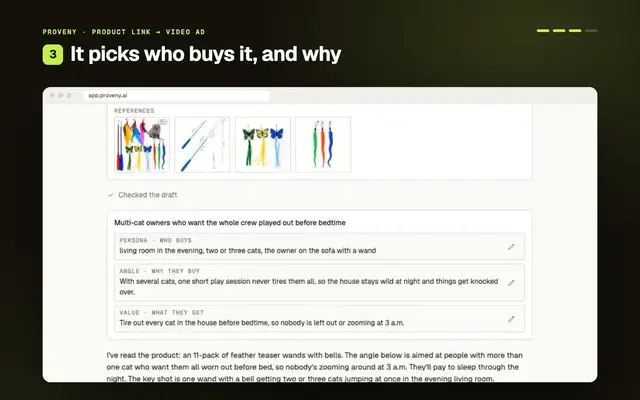
We built Proveny to cover both ends of that gap. The extension keeps the ads worth studying, and once you know the format that works, Proveny makes a 15-second to 10-minute video ad from your own product link or photos. There is no prompt to write: you approve an angle and a script first, and the product stays at the center while the hook, the person and the setting change.
Final Thoughts
The Meta Ad Library is the best free source of competitor ads, but it was built for watching, not keeping. Every tool on this list fills that gap, and the real difference is what each one keeps next to the video.
Free downloaders are fine for one ad now and then. For a swipe file you will come back to, the copy, the landing page and the run dates matter as much as the file, and paid platforms earn their price mainly when a team shares the work.
Whichever tool you choose, a saved ad is the start of research, not the end. The next decision is which format your own product should try first.
 HC
Written by
Founder of Proveny & TrueProfit
Harry Chu has spent 11 years in eCommerce doing the work behind the growth: running ads, testing creatives, reading the numbers, and scaling his own Shopify stores to 7 figures. He knows a good-looking ad account doesn’t mean much if the store isn’t growing.
Harry is the founder of Proveny and TrueProfit. On the Proveny blog, he shares what he’s learned from building and scaling his own stores: what to test, what the results actually mean, and when it’s time to stop spending on an idea that isn’t working.
No magic formula. No advice from the sidelines. Just practical lessons from someone who has had to make the numbers work in his own business.
More lessons from Harry