Home / Free tools / Facebook post generator
Facebook post generator
Upload a product photo or describe your product. Get Facebook posts that sell, from product posts and promos to questions and short stories, ready to copy.
- Free, no sign-up
- Works from a photo
- 4 post types
- Up to 5 posts at once
Your posts (tap the tags below to add or remove)
Your posts show up here.
Add a photo or a description, then press Generate posts.
How it works
Three steps to a post you can share
Add your product
Upload a photo, write a short description, or both. A photo alone is enough.
Pick the post type
Choose Product, Promo, Question or Story, then the tone, the length, how many posts, and hashtags or emoji.
Copy and post
Copy the post you like to your Page, a group or the primary text of an ad. Not quite right? Generate again.
Write better posts
What makes a Facebook post sell
The tool follows these rules. Use them when you edit a post, too.
Put the hook in the first 125 characters
Facebook shows only the first lines of a long post, then "See more". For ads, Meta suggests about 125 characters of primary text. So say the benefit or the problem first, and the details after.
Ask for one thing
End with one clear call to action: shop now, comment, or send a message. Two or three asks in one post make people do none of them.
Put the link after the reason to click
In a post, put the link on its own line after the call to action, so people see why to click first. In an ad, the link goes in the website URL field, not in the text.
Use hashtags only when they help
Facebook is not built around hashtags the way Instagram and TikTok are. The tool adds none by default. Turn them on for 1 to 3 when you run a brand or event tag.
Show the product in use
Text tells people what the product does. A photo or a video shows it. Add a clear photo of the product in use, or a short video ad.
Examples
Facebook post examples made with this tool
Real results from the tool for three products. Settings: Friendly tone, Medium length, no hashtags.
Kitchen: Product post
ProductRotary cheese grater with a hand crank and 3 stainless steel drums (fine, coarse, slicer). Suction base holds it on the counter. Parts are dishwasher safe.
Generated postTaco night used to mean wrestling a block of cheese and a wobbly box grater. Now the kids take turns on the crank and argue about who gets to grate next. Same cheese, a lot less mess.
Pets: Story post
ProductSelf-cleaning slicker brush for cats and dogs. Press the button and the bristles pull back, so the loose fur slides off in one piece. Gentle rounded pins.
Generated postThe brush came out, and my dog saw it and walked the other way 🐕 Then I pressed the button, the bristles pulled back, and the fur slid off in one clean piece. Now brushing takes a minute, not ten.
Fitness: Question post
ProductSet of 5 fabric resistance bands for glutes and legs, light to extra heavy. Non-slip inner grip so they do not roll up. Comes with a carry bag.
Generated postPacked my bands for a weekend trip and ended up doing glute bridges in my parents' living room 😄 Five resistance levels and a carry bag, so no excuse to skip leg day. Where's the weirdest place you've trained with bands? We want to know 🎒
Post types
Four types of Facebook post
Pick the job of the post. Mix the types through the week, so your Page does not only sell.
🛍️ Product
Presents the product: what it does and why it helps.
🏷️ Promo
Gives people a reason to buy now. It never makes up prices, discounts, dates or codes, so add your offer yourself.
💬 Question
Asks your audience a question about the product, to get comments.
📖 Story
A short story that leads to the product. It never makes up customers or reviews.
Next step
Your post is ready. Now make the ad.
Proveny turns your product link into a video ad that shows your product in action: how it works and how people use it.
Your data
What happens to your photo and text
Your photo is never stored
We use your photo only to write your posts. We do not save it on our servers or in our logs.
What we save, and why
We save the product description and any custom tone you type, and the posts we write, to make the tool better. You need no name, no email and no account.
We never keep your IP address
We keep only a scrambled version of it. An anonymous cookie tells us if you later sign up for Proveny.
Kept for 12 months
After 12 months, we delete the text and the identifiers. We keep only anonymous usage counts.
Delete it any time
In this browser, click . Or email [email protected].
Free tools
More free tools
Instagram caption generator
Add a product photo or a short description. Get captions for posts, Reels, Stories and status, with hashtags and emoji.
Open the tool →
Instagram hashtag generator
Add a product photo or a short description. Get broad, niche, product and brand hashtags, and pick your 5 for the post.
Open the tool →
Instagram bio generator
Add your brand name and what you sell. Get Instagram bios for your shop, each under 150 characters.
Open the tool →
Instagram comment generator
Reply to your customers' comments, or write comments for your brand. Pick the situation and a tone.
Open the tool →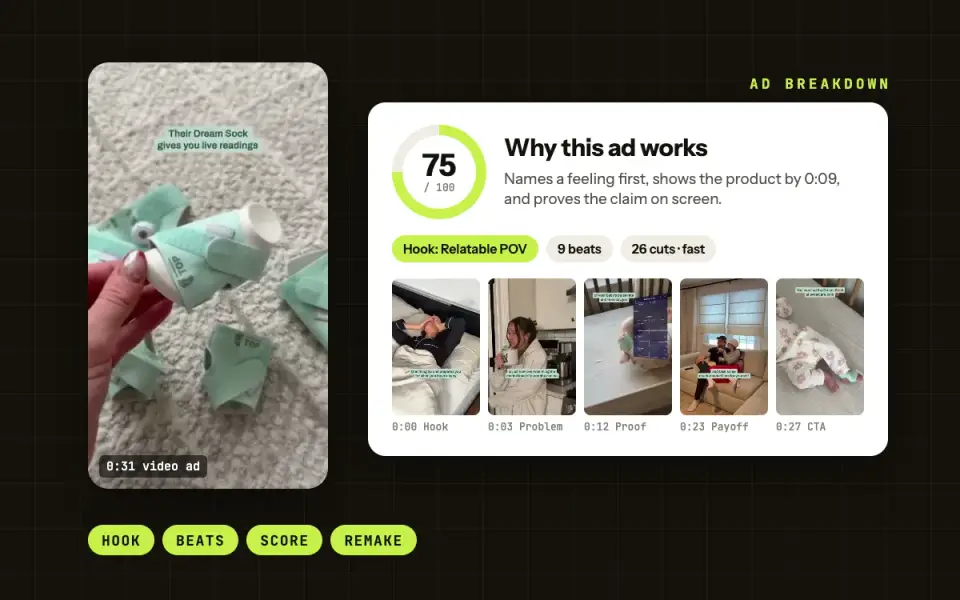
Ad Breakdown
See why a video ad works: the hook, the beats, the set and how long ads like it ran. Then break down your own Meta ads.
Open the tool →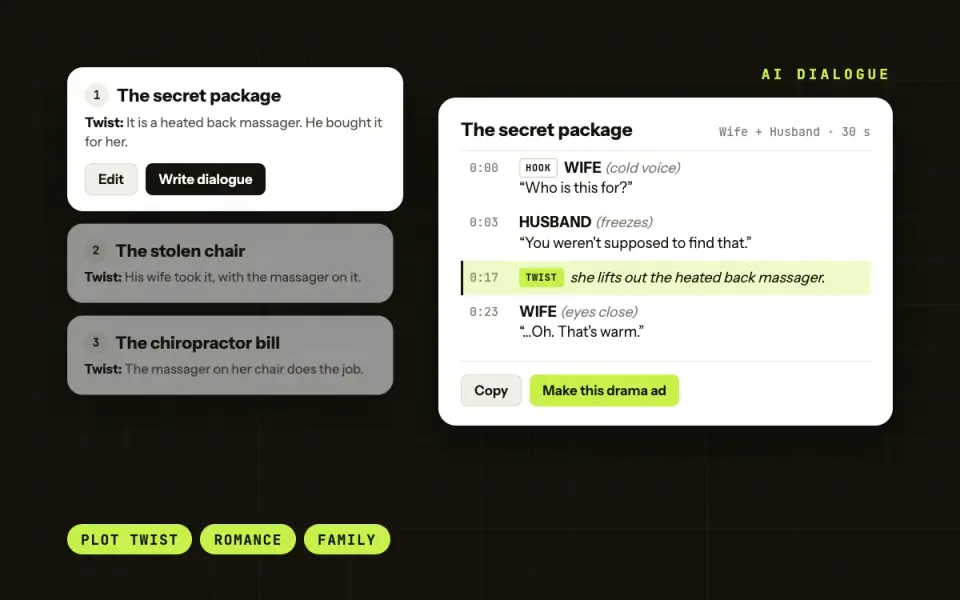
Dialogue generator for drama ads
Add a product link or a short description. Get 4 drama ad ideas with a twist, then the full dialogue for your cast.
Open the tool →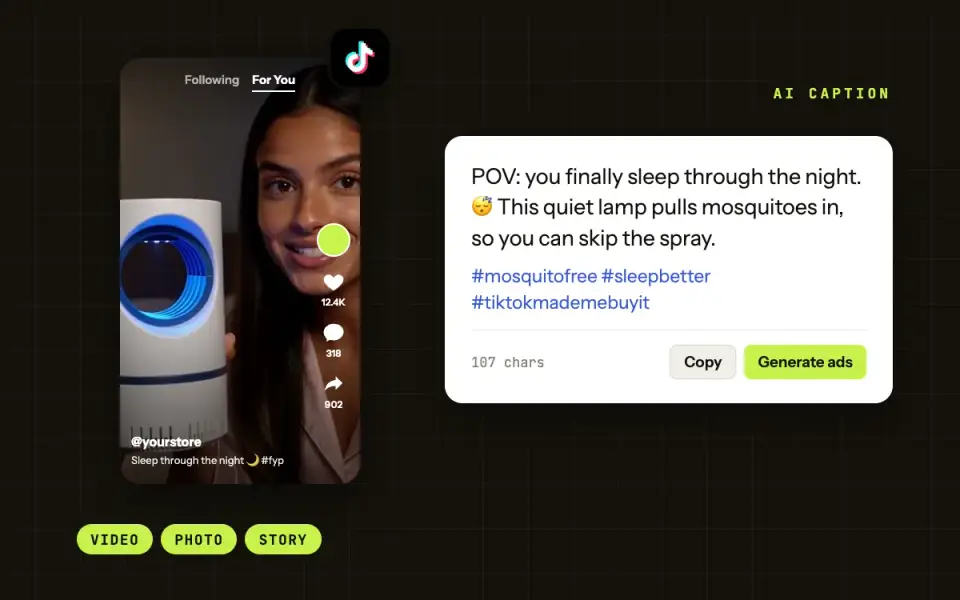
TikTok caption generator
Add a product photo or a short description. Get TikTok captions with hashtags, ready to post.
Coming soonFAQ
Questions about the Facebook post generator
Is there an AI generator for Facebook posts?
Yes. This tool is free and needs no account. Add a product photo or a short description, and it writes up to 5 Facebook posts at a time. You can use it 30 times a day.
Is it also a Facebook caption generator?
Yes. A Facebook caption is the text of a post, so the same tool writes captions for photo posts, Reels and Stories. Pick Short for Reels and Stories.
Can I use it for Facebook ad captions?
Yes. Paste a post into the primary text of your ad. Pick Short to keep the hook inside the first 125 characters, the length Meta suggests for primary text. The link goes in the ad’s website URL field, not in the text.
How do I make a sell post on Facebook?
Pick the Promo post type for a reason to buy now, or Product to show what the product does. Then add your real offer and your link, and end with one clear call to action. The tool never makes up prices, discounts or dates.
Can it write a post from a photo only?
Yes. Upload a product photo and the AI reads it to write the post. A short description helps it get the details right.
Do you keep my photo?
No. Your photo is used only to write the posts, and we never store it.