Home / Free tools / Instagram comment generator
Instagram comment generator
Reply to your customers' comments, or write comments for your brand. Paste the text, pick the situation and a tone, and copy the reply you like.
- Free, no sign-up
- Written as your brand
- 4 situations
- Up to 5 replies at once
Your replies (tap the tags below to add or remove)
Your replies show up here.
Paste the comment or the post text, then press Generate replies.
How it works
Three steps to a reply you can post
Paste the text
Pick Reply to a comment and paste a customer’s comment. Or pick Comment on a post and paste a related post, to comment from your brand account. Add the photo if it helps.
Pick the situation and a tone
Choose answer, complaint, thank or promote. Add your brand name and what you sell for a better reply.
Copy and post
Pick the reply you like, check it, and post it from your brand account. Not quite right? Generate again.
Reply better
How brands should reply on Instagram
The tool follows these rules. Use them when you answer comments yourself, too.
Reply soon
A question under a post is often a buyer who is almost ready. Answer it while they still look at the product. Other buyers read the answer too.
Sound like a person
Use the voice of your brand and the name of the customer when you can. Do not paste the same reply under every comment.
Move complaints to DM
Say sorry in public and give a next step. Then ask the customer to continue in a DM, where you can ask for an order number.
Comment only as your brand
Comment from your own brand account, and add something useful first. Never pretend to be a customer and never post fake reviews.
Answer with a video when it helps
Instagram lets you answer a comment with a Reel. A short video that shows the product in use answers "how does it work?" better than text.
Examples
Instagram reply examples made with this tool
Real replies from the tool to three customer comments, word for word.
Kitchen: answer a question
CommentDoes this mug fit in a car cup holder? (Brand: Calm Cup Co. About the brand: Insulated travel mugs that keep coffee hot for 12 hours. Base is 7 cm wide.)
Generated replyThanks! The base is 7 cm wide — check your cup holder size to be sure. ☕
Outdoor: handle a complaint
CommentMy bottle started leaking after one week, really disappointed (Brand: Acme Outdoors.)
Generated replyHey, thanks for telling us — sorry your bottle let you down 🙏 We get why that's disappointing, and we'd really like to make it right. Drop us a DM with your order details and we'll help you out.
Fitness: thank a customer
CommentThese bands are the only thing I packed for my trip, love them! (Brand: Band Lab.)
Generated replyThis made our day! Thank you for bringing Band Lab along on your trip — it means so much that our bands are the ones you packed. 🧡
Situations
Four situations, four kinds of reply
Pick the situation. The tool changes the words and the next step to match.
💬 Answer
Answers a question about the product clearly, so other buyers see the answer too.
🛠️ Complaint
Says sorry, gives a next step and asks to continue in a DM. It never argues in public.
🙏 Thank
Thanks a customer for a kind word or a photo, in your brand voice.
📣 Promote
Adds something useful to a related post, then names your brand. It is posted from your brand account, never as a fake customer.
Tones
A tone for every brand
Pick one of 17 tones, or type your own (for example "Sassy" or "Calm and warm").
Next step
Your reply is ready. Now show the product.
Proveny turns your product link into a video ad that shows your product in action: how it works and how people use it.
Your data
What happens to your photo and text
Your photo is never stored
We use your photo only to write your replies. We do not save it on our servers or in our logs.
What we save, and why
We save the comment or post text, the brand details and any custom tone you type, and the replies we write, to make the tool better. You need no name, no email and no account.
We never keep your IP address
We keep only a scrambled version of it. An anonymous cookie tells us if you later sign up for Proveny.
Kept for 12 months
After 12 months, we delete the text and the identifiers. We keep only anonymous usage counts.
Delete it any time
In this browser, click . Or email [email protected].
Free tools
More free tools
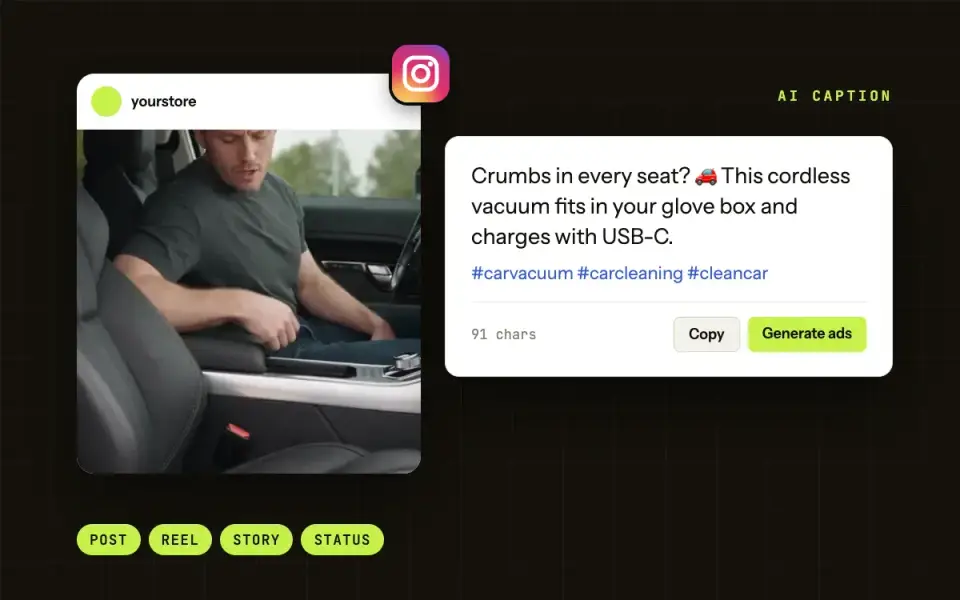
Instagram caption generator
Add a product photo or a short description. Get captions for posts, Reels, Stories and status, with hashtags and emoji.
Open the tool →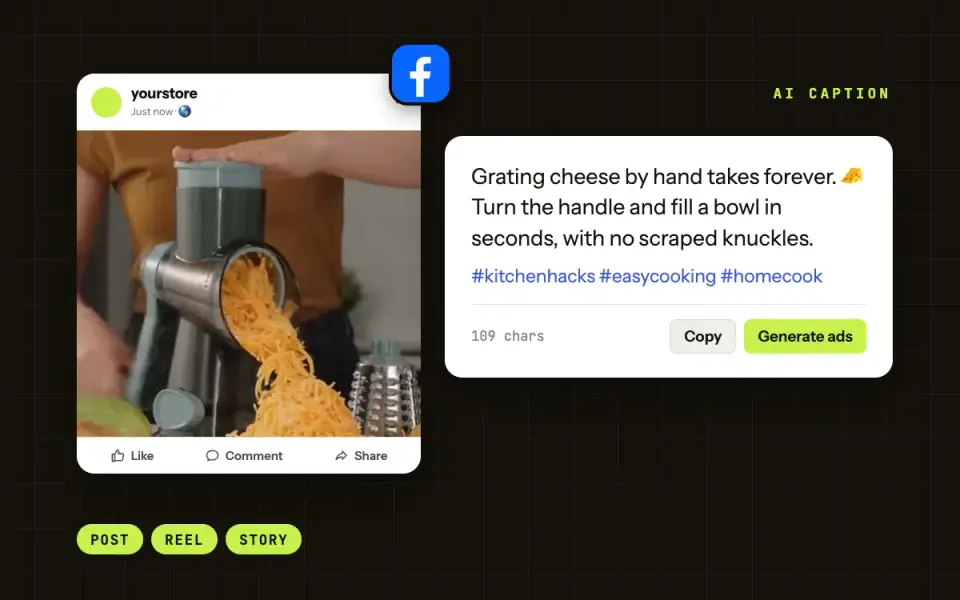
Facebook post generator
Add a product photo or a short description. Get Facebook posts and captions: product posts, promos, questions and stories.
Open the tool →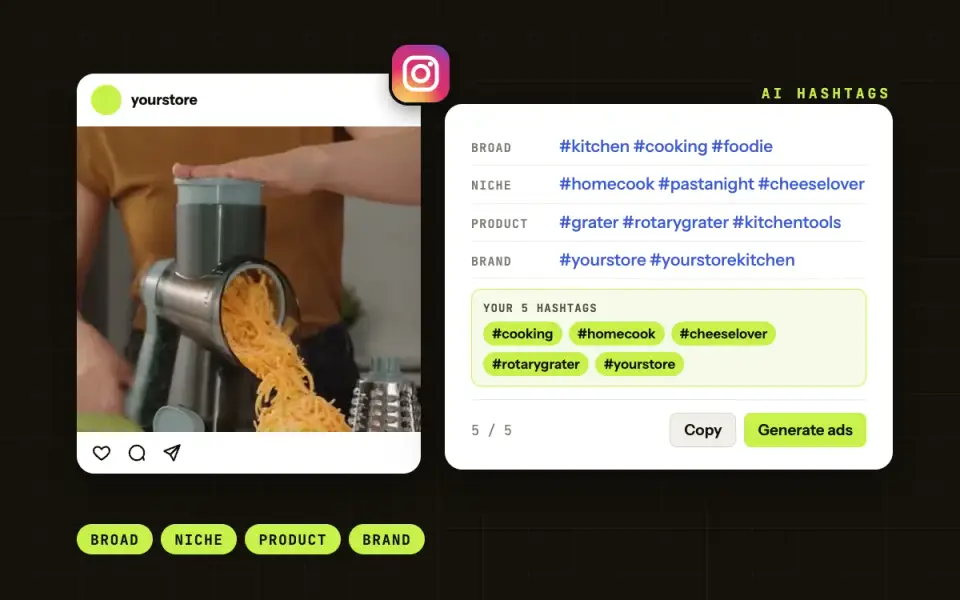
Instagram hashtag generator
Add a product photo or a short description. Get broad, niche, product and brand hashtags, and pick your 5 for the post.
Open the tool →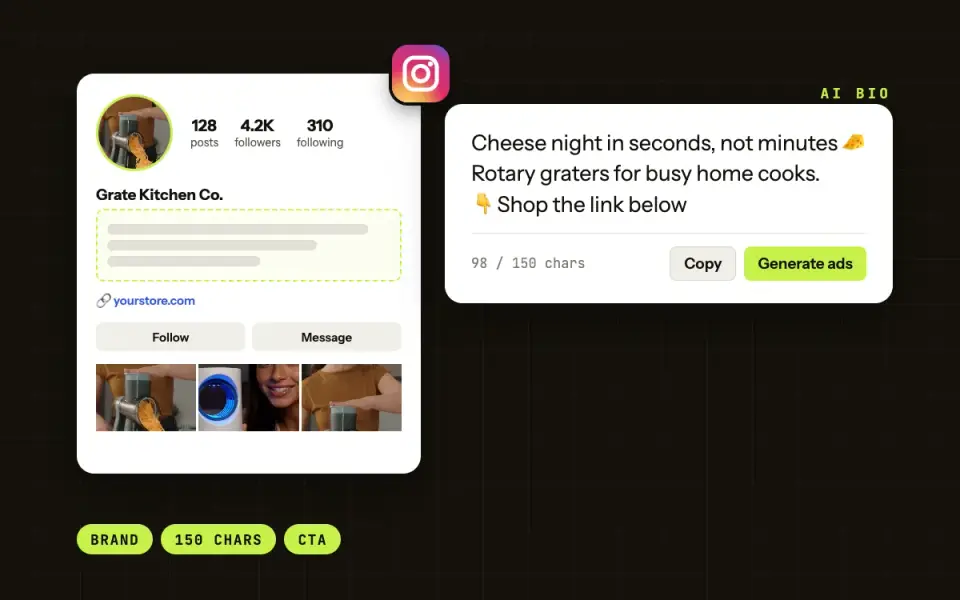
Instagram bio generator
Add your brand name and what you sell. Get Instagram bios for your shop, each under 150 characters.
Open the tool →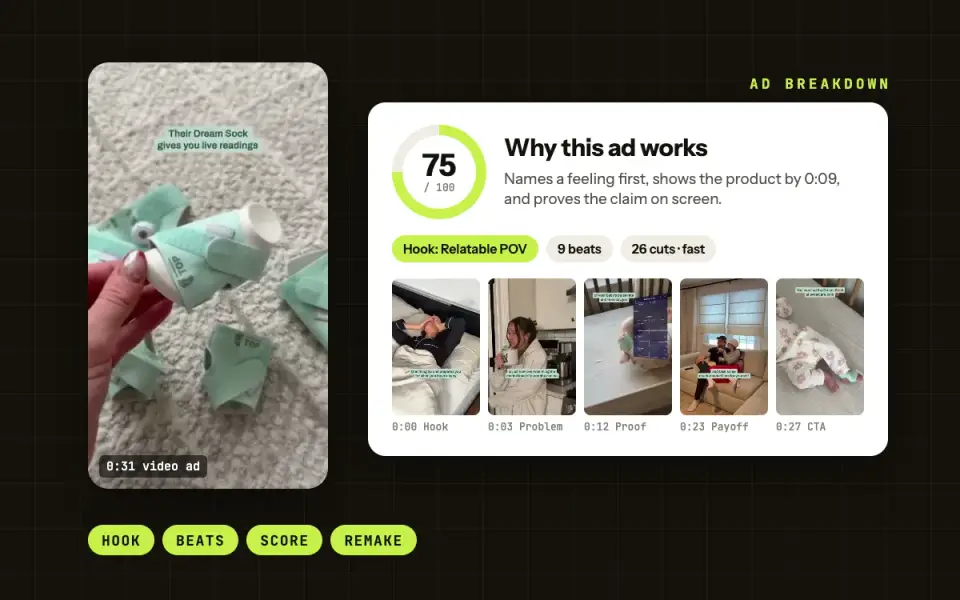
Ad Breakdown
See why a video ad works: the hook, the beats, the set and how long ads like it ran. Then break down your own Meta ads.
Open the tool →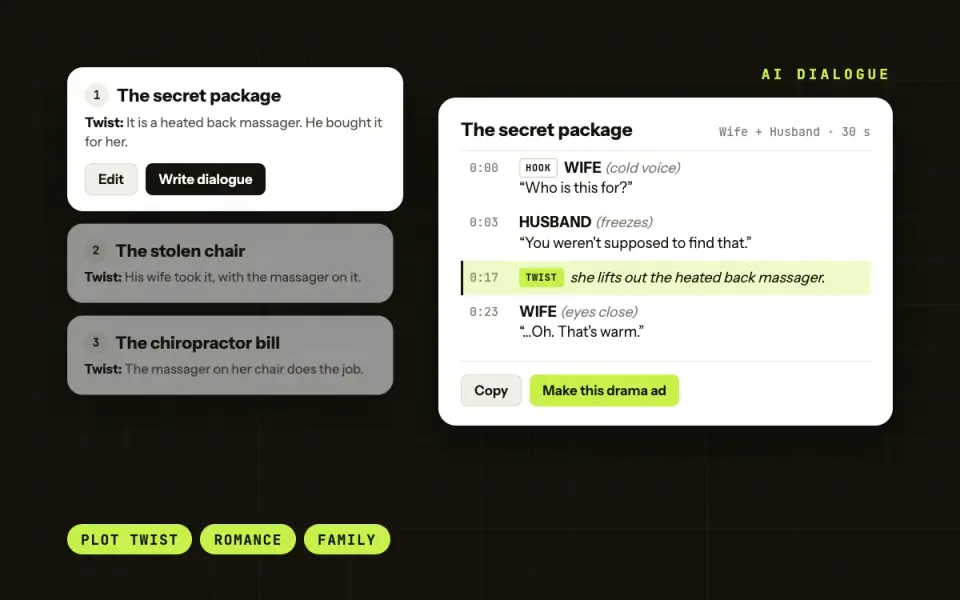
Dialogue generator for drama ads
Add a product link or a short description. Get 4 drama ad ideas with a twist, then the full dialogue for your cast.
Open the tool →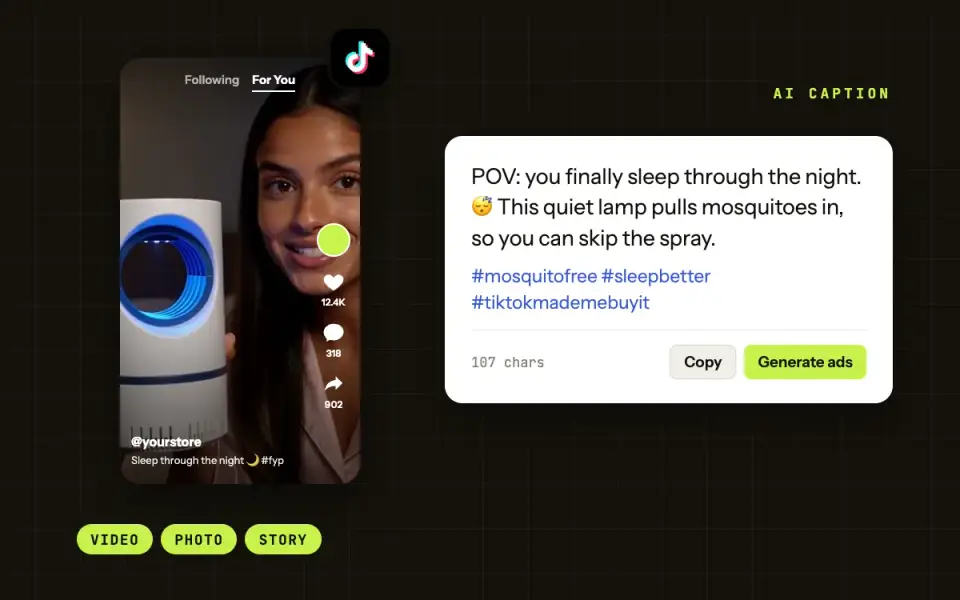
TikTok caption generator
Add a product photo or a short description. Get TikTok captions with hashtags, ready to post.
Coming soonFAQ
Questions about the Instagram comment generator
How do I reply to comments on Instagram?
Tap Reply under the comment, type your answer and post it. To answer many people at once, pin a good reply. Instagram lets you pin up to 3 comments on a post.
Why can’t I reply to comments on Instagram anymore?
The owner of the post may have limited or turned off comments, or the comment was hidden or deleted. An old app version can also cause it, so update the app and try again.
How do I set an automatic reply on an Instagram business account?
Professional accounts have saved replies for messages. Comments still need a person. This tool does not post for you. It writes replies that you check and post yourself.
Is it OK to comment on other posts as my brand?
Yes, from your brand’s own account, when your comment adds something to the post. Never pretend to be a customer and never post fake reviews. The tool always writes as your brand.
Does the tool post comments for me?
No. It writes the text only. You copy the reply you like and post it on Instagram yourself.
Is this Instagram comment generator free?
Yes. You can use it 30 times a day without an account. Each time gives you up to 5 replies or comments.