
Proveny for ChromeAd library & swipe file
Add to ChromeSTEP 01
Add it to Chrome
Add it from the Chrome Web Store. Check what it saves, then sign in or make a free account. No card needed.
Proveny for Chrome is your ad library and swipe file for Facebook, Instagram and TikTok. It adds a Save button to video ads in the Meta Ad Library and your Facebook feed, and to Facebook Reels, Instagram reels and TikTok videos. Each one goes to your Ad Collection with its video, copy and link.
Free account, no card. Up to 200 saved videos.
How it works
No screen recording, no "download video" sites, no lost links in a notes app.
Add it from the Chrome Web Store. Check what it saves, then sign in or make a free account. No card needed.
 Melon & CoSaved
In the Meta Ad Library, your Facebook feed, a Facebook reel, Instagram, TikTok or X. The button shows only on videos it can save.
In Proveny, under Library. Watch, download, filter by source and sort by advertiser.
What you keep
Every saved ad keeps what you need to study it later, even after the advertiser turns it off. Example collection below.
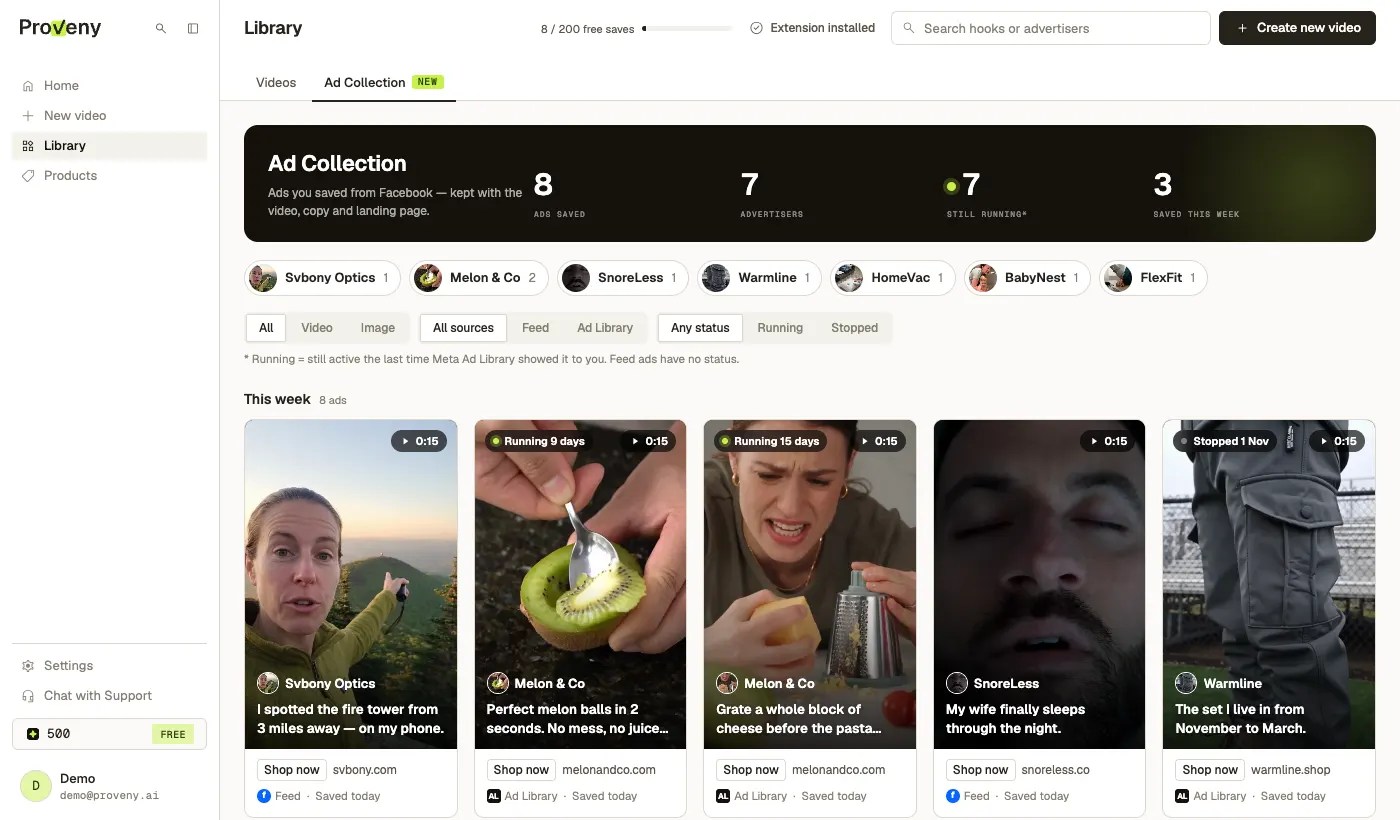
Meta Ad Library
Open a brand in the Meta Ad Library and click Save loaded ads. Proveny saves the ads of that brand that the page has loaded now. Scroll to load more, then save again.
It never scrolls or clicks for you. Scroll for more, then click again.

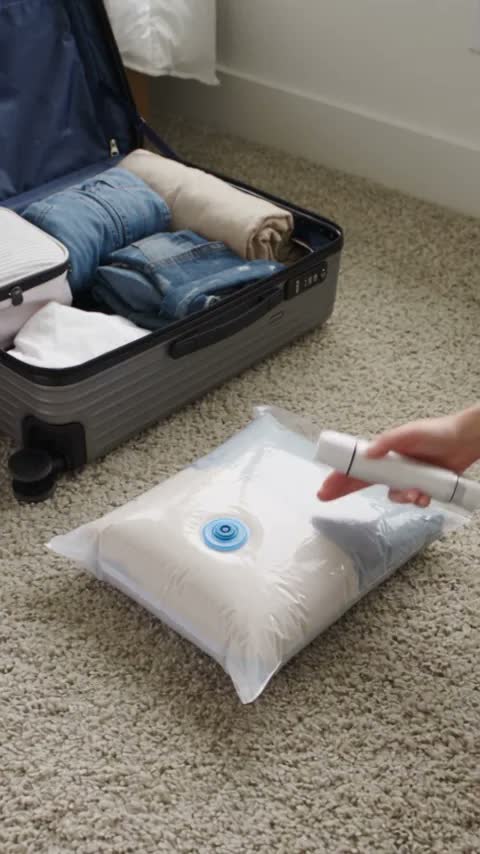
Soon you pick an ad in your Ad Collection, and Proveny makes a new video like it with your own product. Today Proveny already makes video ads from a product link.
See how Proveny makes video ads →Privacy
It sends an ad or video to Proveny only when you click Save or Save loaded ads, including the video, text, button, link, and the advertiser's page name and picture.
On Facebook it reads the feed data in your browser and keeps only the ads; friends' posts never leave your browser. On Instagram and TikTok it saves only the video you click Save on. Your posts, messages and profile are never saved.
Turn the Meta Ad Library, Facebook, Instagram, TikTok or X on or off in Settings. Instagram, TikTok and X stay off until you turn them on. A site that is off has no Save buttons and no detection.
Full details in the Privacy policy.
FAQ
Yes. The extension is free. The Free plan keeps up to 200 saved videos. Paid plans keep more: Starter 500, Plus 1,000, Essential 2,000 and Pro 5,000.
Yes, to save ads. You sign in once in a small Proveny window. New to Proveny? You make a free account there in about a minute. No card is needed to save ads; a card is asked only when you make a video.
The Meta Ad Library, your Facebook feed, Facebook Reels, Instagram reels and video posts, TikTok videos, and X videos. Instagram, TikTok and X are off at first: turn them on in Settings, and Chrome asks you for access. Reels save from the reel page, not inside the feed. It does not work on YouTube.
The video, the text, the button and its link when the ad has one, the name and picture of the advertiser or creator, the counts shown on the post, and the video length. For Ad Library ads it also keeps the library ID, the dates the ad ran and whether Facebook said it was still running.
No. The Ad Collection keeps video ads and video posts only. Image and carousel ads are not saved.
No. It saves only ads that are already on the page, and only when you click.
No. Chrome on a phone cannot add extensions. Use Chrome on a computer.
Yes. Every saved video ad keeps its video file, and you can download it as an .mp4 from your Ad Collection in Proveny. The extension saves; the download happens in the collection.
Not in the usual sense. Ad spy tools search a large database of other brands' ads and estimate spend. Proveny for Chrome saves the ads you find yourself in the Meta Ad Library, Facebook, Instagram, TikTok and X, with their copy, landing page and run dates, so you can study them later.