On this page
Quick Recap
- AI UGC tools split into two kinds, avatar tools that center the ad on an AI person talking and product-first tools that center it on the product in use, and the first question is which of the two your ad needs.
- Most of these tools now run on the same few video models, so the real difference is how much the tool understands your product and how much directing it leaves to you.
- Arcads is the pick for the most realistic talking actors, Creatify and MakeUGC for cheaper avatar ads, HeyGen for translation, Higgsfield for teams that direct every shot, Promer for static and video ads inside Shopify, and Proveny for products that must be seen working.
- The fairest way to compare tools is the cost per usable ad on one of your own products with a moving part, not the monthly plan price or the demo page.
- No AI UGC tool is free without limits, and many teams combine kinds, using AI tools to find the winning angle fast and real creators to film more of the winner.
What I Looked for in Each Tool
I judged each tool on six criteria that matter to a seller who needs many ads per product:
- Product interaction: Does the product move and work, or does it sit still next to a presenter?
- Realism: Does the video look like a real phone video, or like AI?
- Input: Product link, photos, a script, or a long prompt?
- Effort: How much do you need to write or direct?
- Price: The entry price on the tool's own pricing page, checked on 7 November 2026.
- Free option: A free plan, free credits or a trial.
The criteria do not weigh the same for every product. For anything with a hinge, a dial or a moving part, product interaction is a deal-breaker: a perfect face next to a frozen product still fails to prove the product works. For a product that sells on trust, such as skincare, realism of the face and voice matters more.
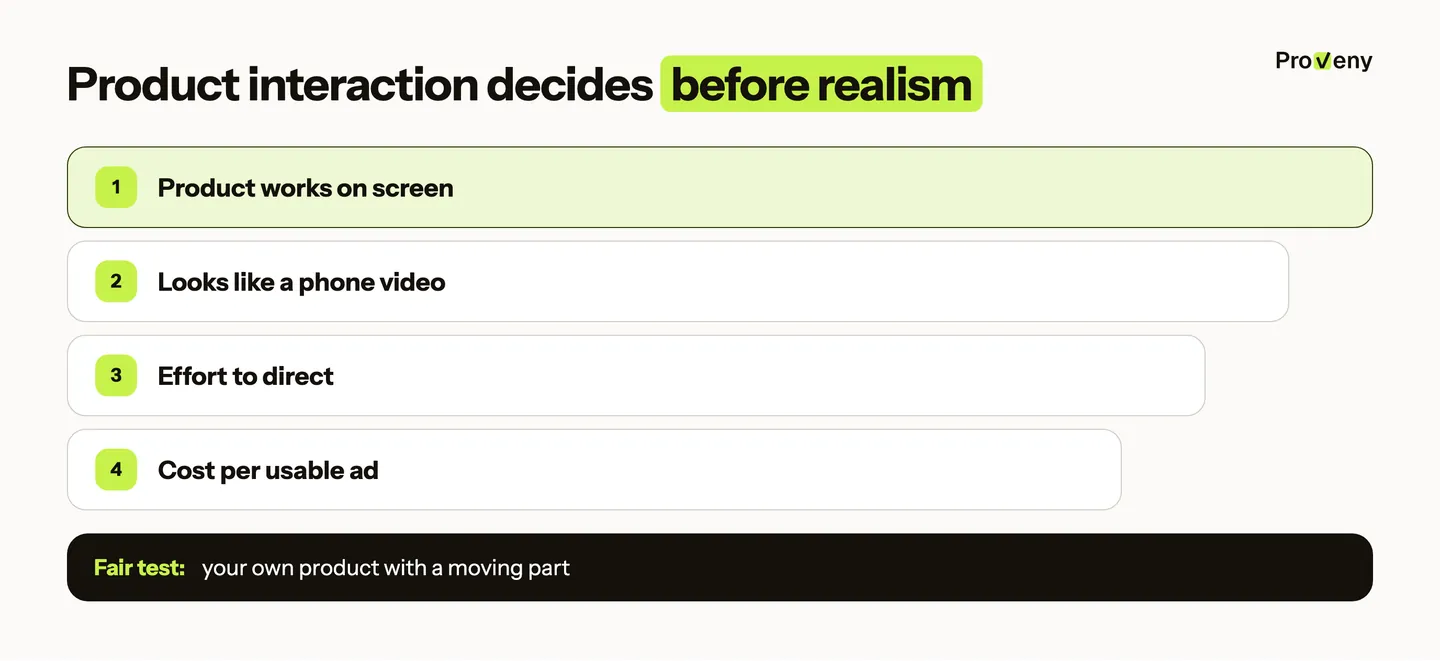
Price is easy to misread. A cheap plan that needs five tries for one usable ad costs more per ad than a pricier tool that gets it right the first time, so the fair test is one real product and a count of the ads you would actually run. Prices change often, so the tool's own pricing page is the place to check before you buy.
All 8 Tools Side by Side
Here is how the eight tools compare at a glance, with each starting price taken from the tool's own pricing page in November 2026.
| Best for | Center of the ad | Input | Starting price | |
|---|---|---|---|---|
| Proveny | Physical products that must be seen working | The product in use | Product link or photos | See proveny.ai |
| Creatify | Many avatar ads from a URL, plus ad tools | AI actor | URL | Free plan with 10 credits a month; paid from $15/month |
| Arcads | The most realistic talking actors | AI actor | Script and actor | No public pricing page; free trial, plans show after sign-up |
| MakeUGC | Budget talking-head UGC | AI actor | Script | From $29/month billed yearly; $1 trial |
| TopView | URL-to-ad with avatars | AI actor | URL | From $18/month billed yearly |
| HeyGen | Avatars and video translation | AI avatar | Script | Free plan; paid from $29/month |
| Higgsfield | Creative teams who want many models and templates | Your choice | Prompt, photo or URL | Credit plans from $15/month billed yearly |
| Promer | Shopify sellers who want static and video ads | Templates | URL or image | First ad free; paid from $9/month |
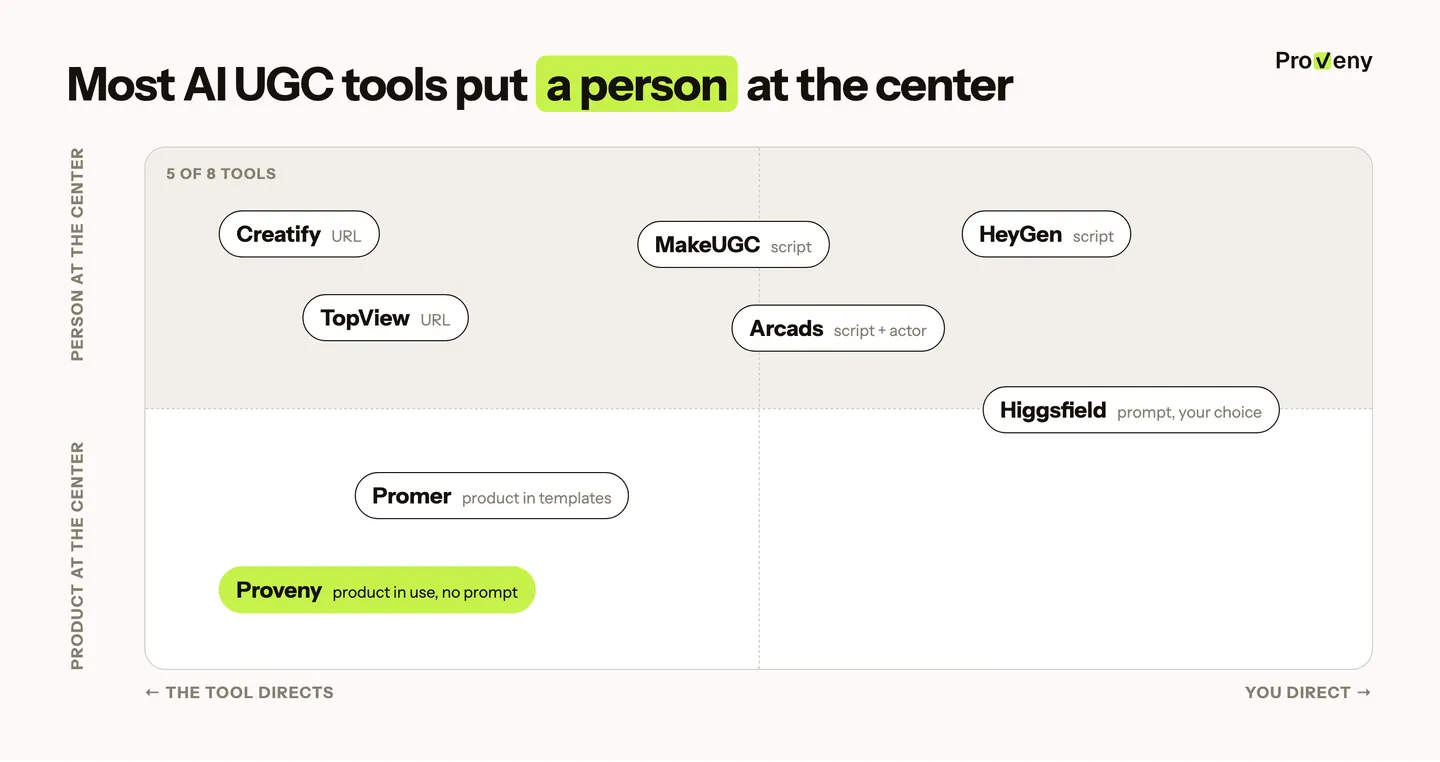
The table shows a pattern that matters more than any single row: five of the eight tools put an AI person at the center of the ad. Many of them also run on the same few video models, such as Seedance, Veo and Kling, so model access is rarely the difference. What differs is how much the tool knows about your product and how much directing it leaves to you.
1. Proveny, for Products That Must Be Seen Working
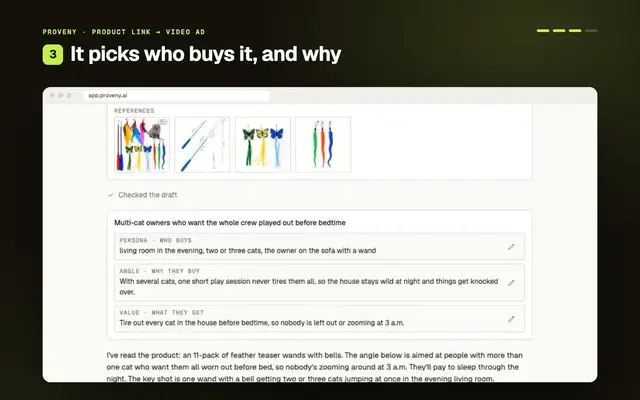
Proveny is the pick when the product itself must be seen working. It reads the product listing first (the parts, how the product is used, what must never be shown wrong), then picks a selling angle, writes the script and plans each shot around the product's key action, with no prompts to write.
That order is the point. A tool that starts from one product photo knows what the product looks like but not how it works, which is how AI ads end up with a dial that never turns or a lid that opens the wrong way.
- Strong: Hands using the product and its mechanism in real settings; UGC testimonial, hands-on demo, problem-to-solution and before-and-after formats; works inside Claude and ChatGPT through Proveny MCP; a Shopify app.
- Weak: No big library of avatar presenters; no image or static ads; no ad launching or optimisation yet.
2. Creatify, for Avatar Ads at Volume
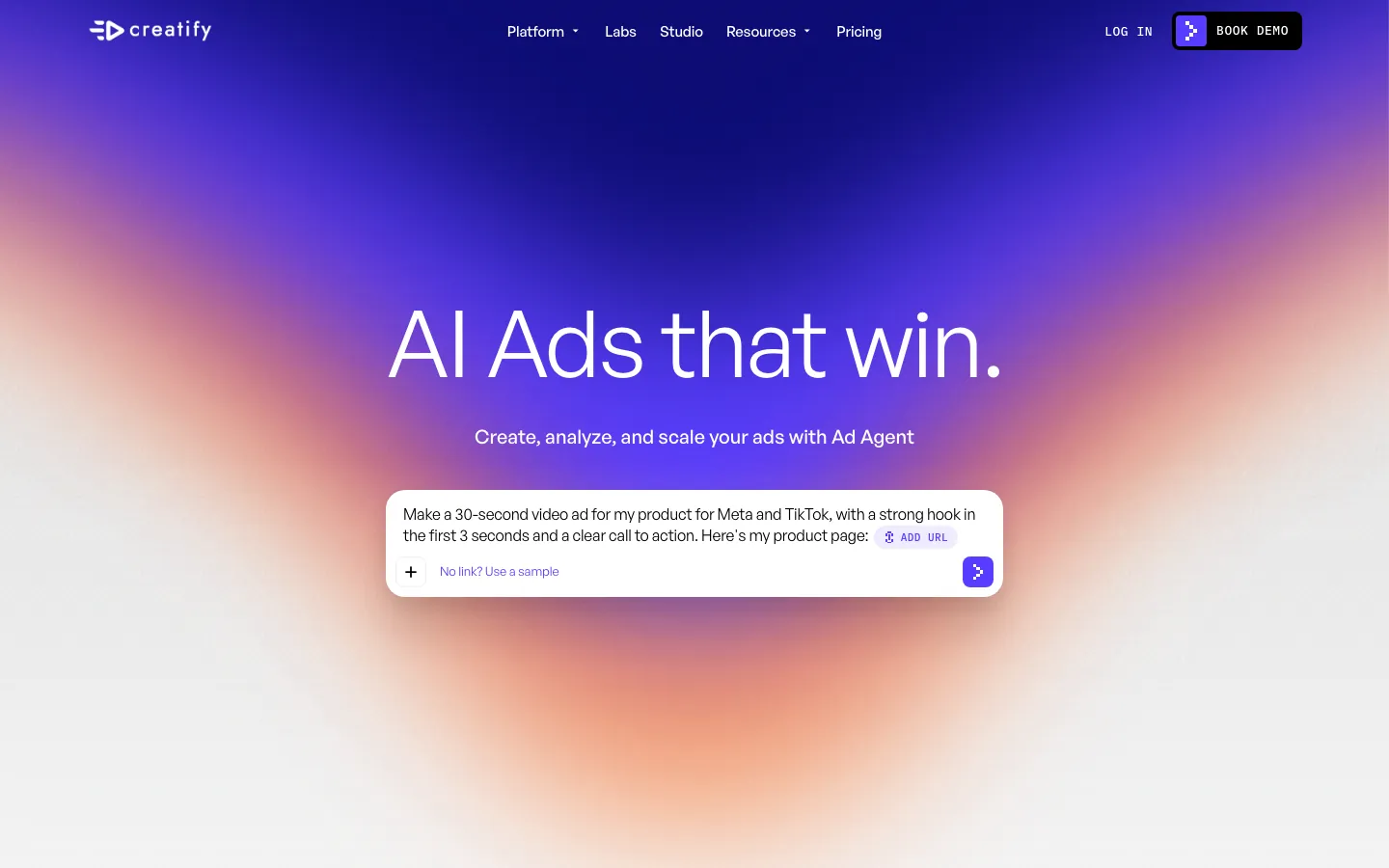
Creatify is the pick for many avatar ads from a product URL. It is a URL-to-video platform built around AI actors, with many templates, image ads, an ad clone tool and a competitor ad tracker.
It suits a team that wants one place for avatar video, statics and competitor research. The trade-off is the center of the ad: the presenter does the selling, and the product is usually a still image beside them.
- Strong: Wide feature set, a low entry price, and a free plan to try.
- Weak: The product rarely moves or works on screen, so it struggles with products that need a demo.

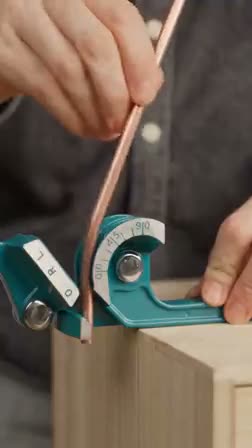
Drama, UGC or demo ads. Any concept, any product.
Every ad shows your product working accurately.
3. Arcads, for Realistic Talking Actors
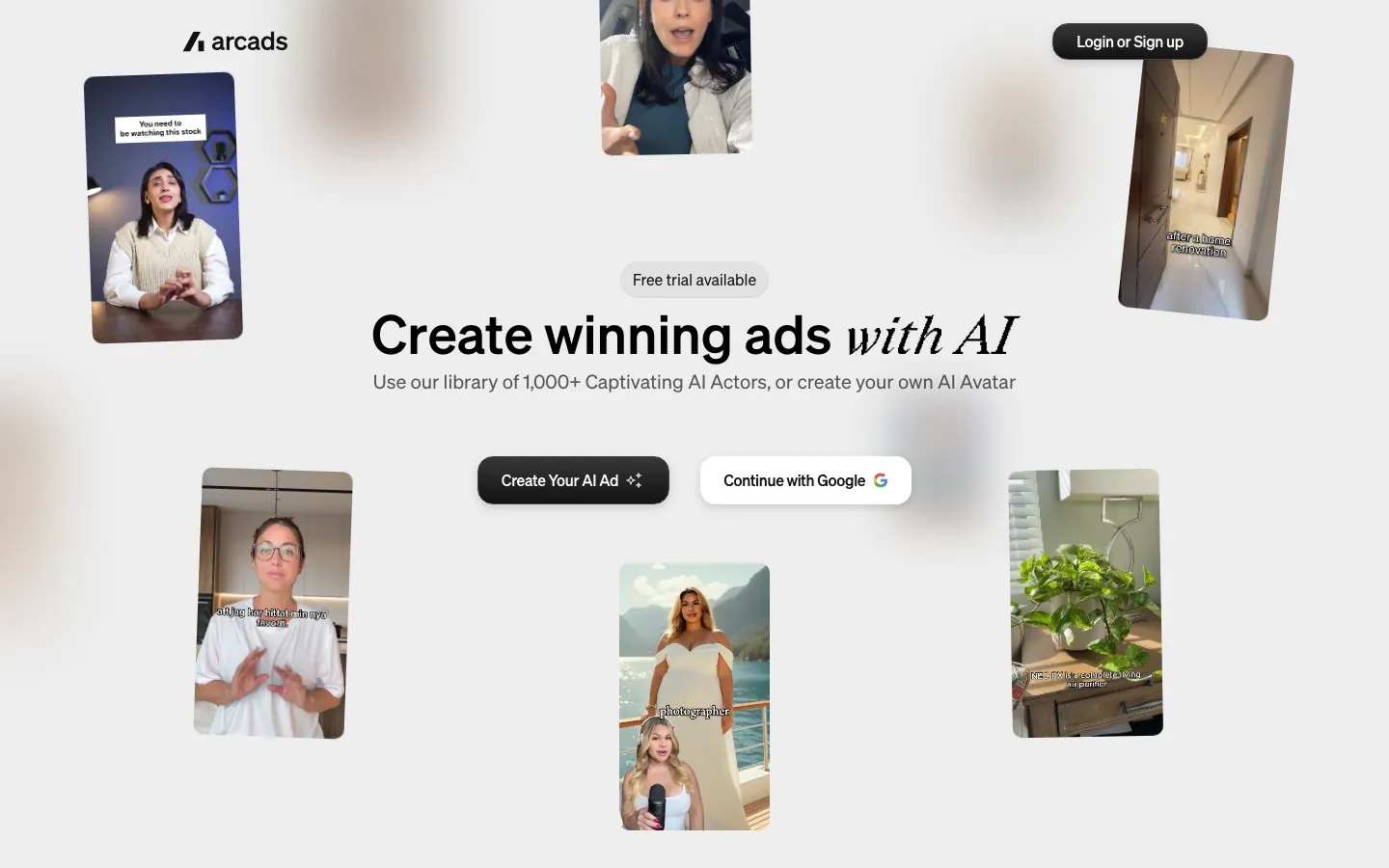
Arcads is the pick when the realism of the face and voice matters most. It is known for realistic AI actors, built from real people who consented to it.
Realism pays off most for products bought on trust, where the viewer has to believe the person. The cost structure is the catch for short ads.
- Strong: Realism of faces and voices.
- Weak: Reviews report that usage is counted per started minute per actor, which makes 15-second ads expensive, and prices only show after sign-up.
4. MakeUGC, for a Small Budget
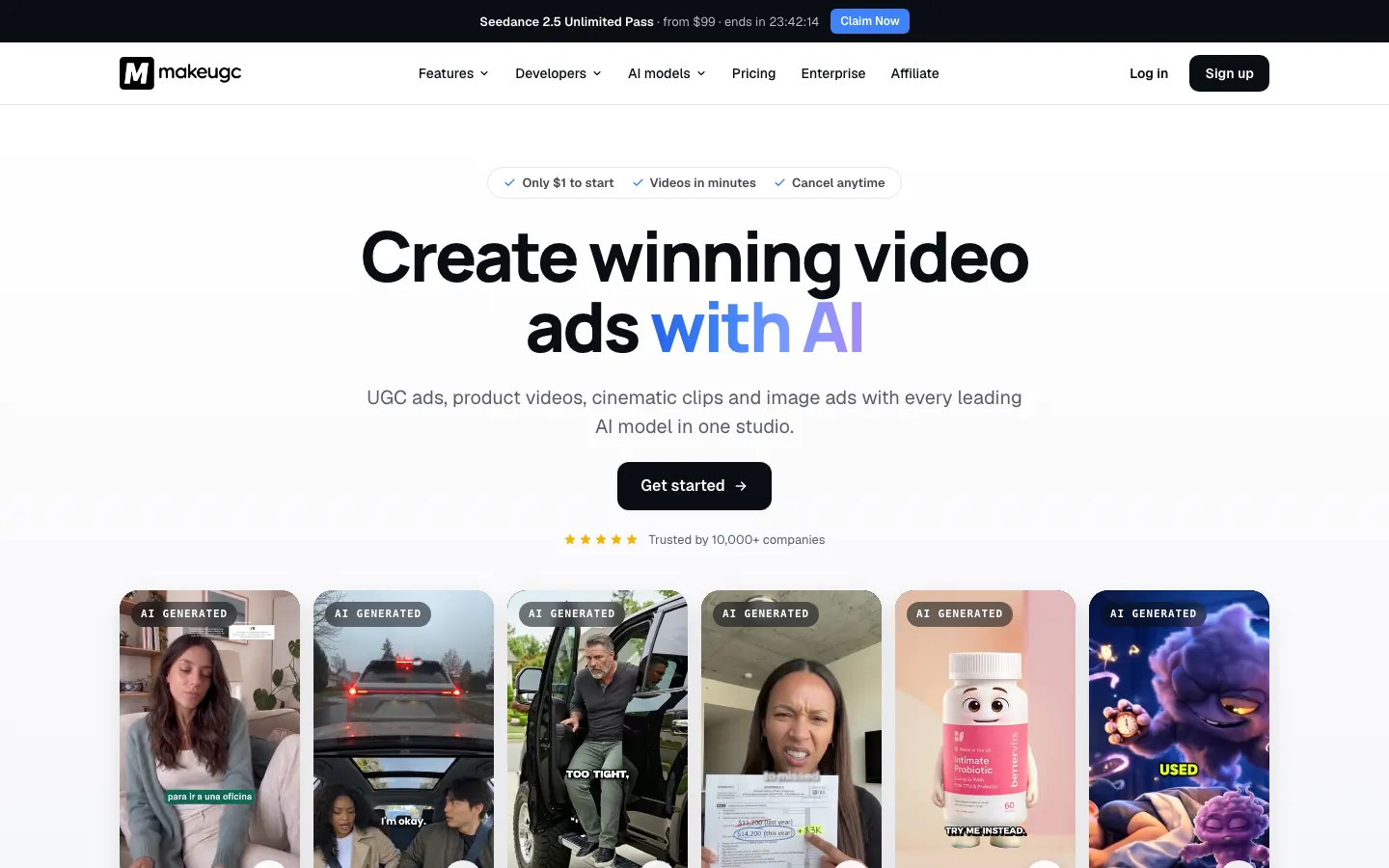
MakeUGC is the pick for talking-head UGC at a lower price. It works from a script and an AI actor, which keeps it simple for sellers who already know what the ad should say.
The weak spot is the product. Talking-head ads hide it well, but shots where the actor holds and uses the product are where the AI look shows.
- Strong: Simple and affordable, with a $1 way to try a plan.
- Weak: "Product in hand" shots can look artificial.
5. TopView, for URL-to-Ad With Avatars
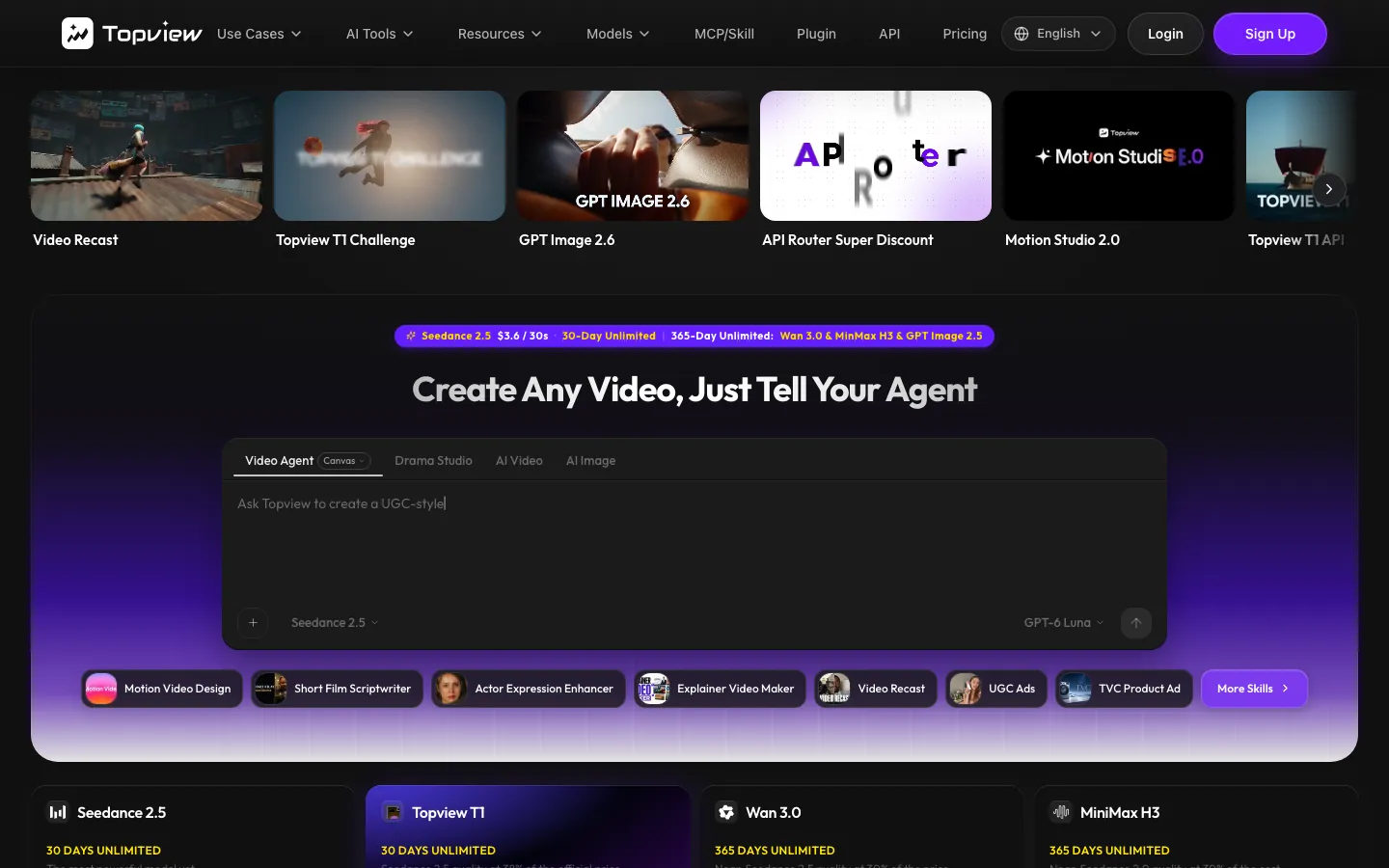
TopView turns a product URL into an avatar ad, and its higher plans include unlimited generations on some models. That makes it attractive for sellers who want volume at a fixed monthly price.
The risk is timing. A tool that depends heavily on one busy model can slow down exactly when everyone else is generating too.
- Strong: Fast from a URL when the queue is short.
- Weak: Public reviews mention long queues at busy times, which is a risk before a launch.
6. HeyGen, for Translation
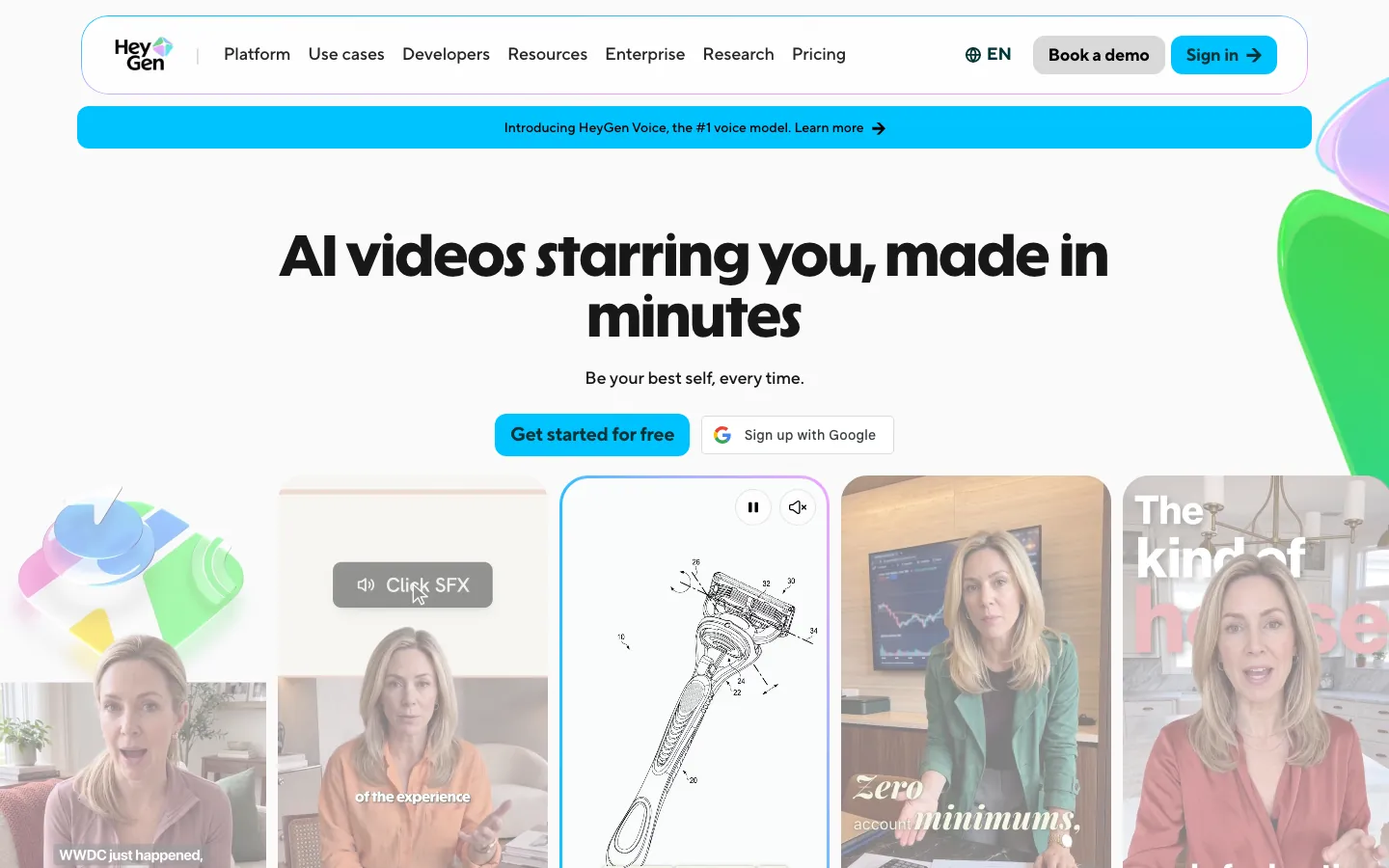
HeyGen is the pick for one video in many languages, with strong avatars, lip-sync and translation. A seller who already has a winning talking ad in English can turn it into versions for other markets quickly.
It is a general video tool, not an ecommerce ad tool, so the product story, the hook and the shots come from you.
- Strong: Avatar quality, lip-sync and localisation.
- Weak: Not built for ecommerce product ads, so you bring the product story yourself.
7. Higgsfield, for Teams That Direct
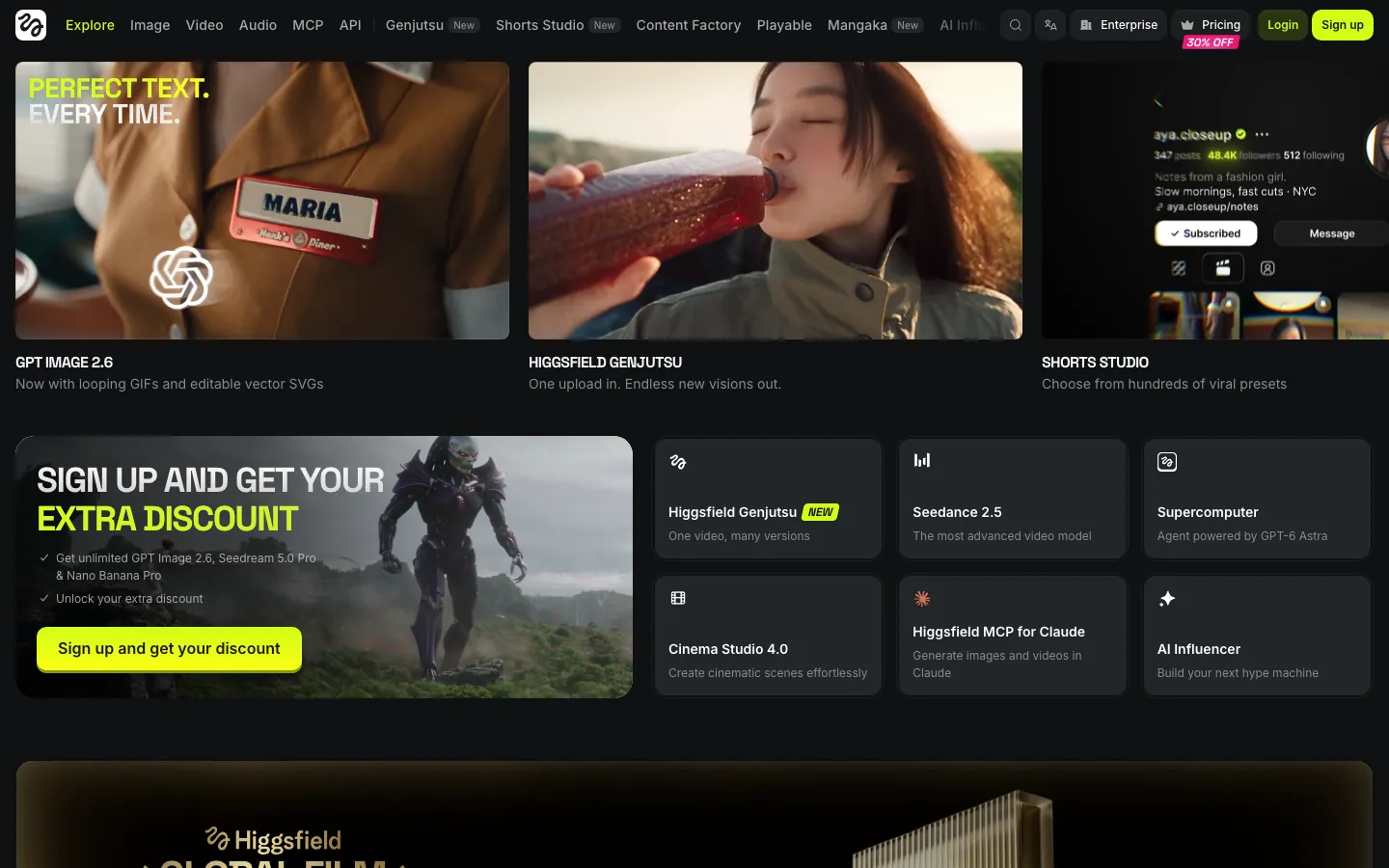
Higgsfield brings many top video models, templates and character tools into one place, for teams that want to direct every shot. A creative team with a clear shot list gets more range here than anywhere else on this list.
The same freedom is the cost for a busy seller: every result depends on how well you describe the product and the scene.
- Strong: Creative range and model choice.
- Weak: You are the director; it does not know your product's mechanism unless you describe it.
8. Promer, for Shopify Sellers Who Want Statics Too
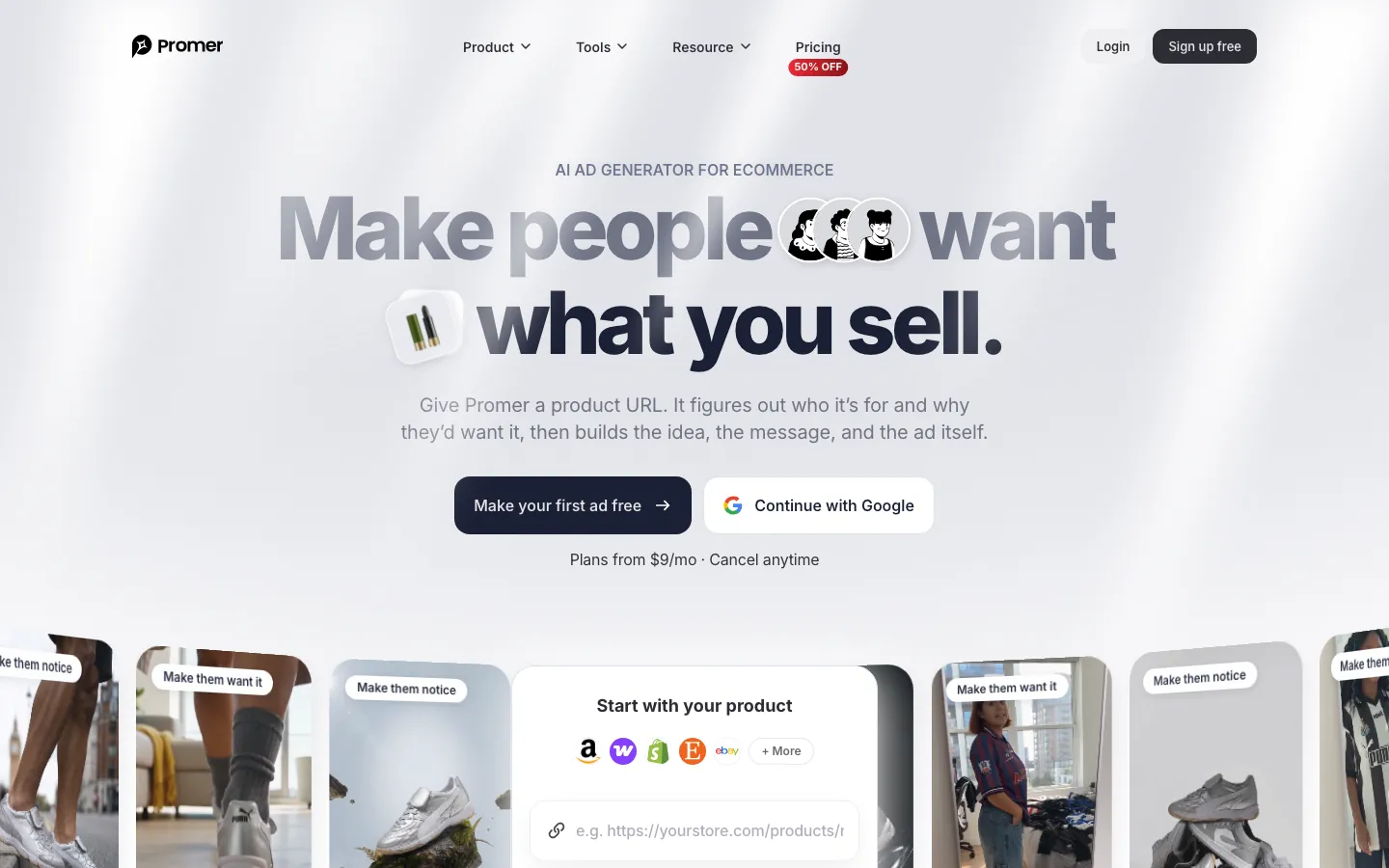
Promer is a Shopify app with URL-to-ad, ad clone and a big library of winning ads, for sellers who want static and video ads in one place. It fits a store that runs many image ads and wants video from the same workflow.
The videos lean on templates, so they suit simple products better than products that need a real demo.
- Strong: Works inside Shopify, with static and video formats.
- Weak: Video is mostly template animation rather than a product in real use.
Which UGC Creation Tool Fits Your Ad
The right tool follows from what the ad must show. I'd match it like this:
| Pick | |
|---|---|
| The product shown working (gadgets, tools, anything with moving parts) | Proveny |
| A realistic person talking | Arcads; Creatify or MakeUGC on a smaller budget |
| One video in many languages | HeyGen |
| Full creative control over many models | Higgsfield |
| Static and video ads from Shopify | Promer |
The first question settles most choices: does the buyer need to see the product work? If yes, an avatar tool will keep failing on the same shot, however good the face. If no, the choice comes down to realism versus volume.
Many teams use two kinds: an avatar tool for talking-head ads and a product-first tool for demos. Testing both kinds on the same product in the same round is worth it, because the winner often surprises: a gadget can sell on a person's reaction, and a beauty product can sell on a close-up of the texture. To see what each kind looks like in the feed, see UGC ad examples, What are UGC ads? and our ads made with AI.
Can You Get an AI UGC Generator for Free?
Fully free AI UGC tools with no limits do not exist, because video generation costs money to run. What you can get for free or almost free:
- Free plans: Creatify has a free plan with 10 credits a month, and HeyGen's free plan gives 3 videos a month with a watermark.
- Free first ad: Promer lets you make your first ad free.
- Low-cost trials: MakeUGC lets you try a plan for $1.
The free part is best spent on 1 or 2 ads for one real product, ideally one with a moving part, since that is where tools differ most. A watermark on a free video is fine for judging the tool but usually not for running the ad, so the real test of value starts on the first paid plan.
UGC Creation Tools That Are Not AI
AI generators are only one kind of UGC creation tool. Two other kinds still matter for a merchant:
- Creator platforms: Marketplaces such as Billo connect you with real creators who film your product. You get real faces and real reactions, but each video needs a sample and a few days.
- Editing apps: Free or low-cost editors such as CapCut cut raw phone footage into a 9:16 ad with captions and music. They help when you or a creator already filmed the product.


Drama, UGC or demo ads. Any concept, any product.
Every ad shows your product working accurately.
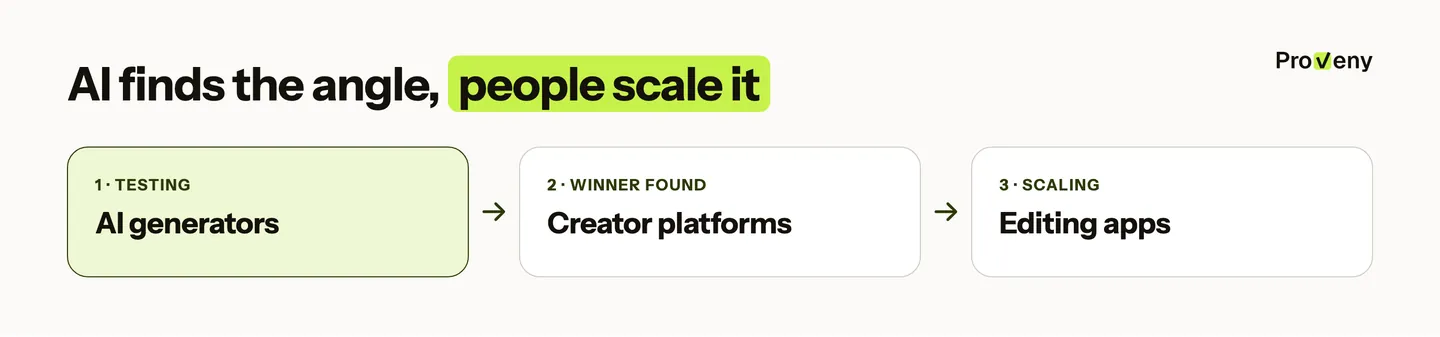
The three kinds fit different stages of a product. AI tools are cheapest per angle while you still look for what sells, because most test angles lose. Creators are worth their time and price once an angle wins, since a real face can extend the life of a proven idea. Editing apps then turn one creator shoot into many versions with new hooks and captions.
Making UGC Ads Where the Product Does the Work
Most AI UGC tools are built around a person, so the product ends up as a still image next to an avatar. That gap is what we built Proveny to close.
You paste a product link or upload photos and ask for the format you want, for example "Create UGC ads for this product as a selfie review". Proveny studies the product, suggests an angle and a script you approve, and renders a 15-second to 10-minute ad that shows the product actually working.
- UGC formats around the product: UGC testimonial, reaction hook, hands-on demo and problem-to-solution, all built on the product's key action.
- Product analysis first: Proveny learns the product's look, the problem it solves and how people use it, so the hands and the motion match the real product.
- Approval before rendering: You check the angle and every script line before the video is made.
Three ads made with Proveny:
- Compact monocular telescope: On a summit, she looks through it, clips it to her phone and films the far tower. (video: /media/proveny/examples/compact-monocular-telescope.mp4)
- Mini vacuum sealer: Next to an open suitcase, a hand holds the sealer on a bag of clothes. (video: /media/proveny/examples/vacuum-sealer.mp4)
- Cat teasing stick: A woman sits on her sofa while three cats lie bored on the rug; one wave of the stick and they leap for the feather lure. (video: /media/proveny/examples/cat-teasing-stick.mp4)
Final Thoughts
There is no single best UGC creation tool, only the best one for the job your ad has to do. Avatar tools win when a talking person is the point; a product-first tool wins when the buyer must see the product work.
The next step is a small test: one tool of each kind, one or two ads for the same real product, and the tool whose ads sell stays.
 HC
Written by
Founder of Proveny & TrueProfit
Harry Chu has spent 11 years in eCommerce doing the work behind the growth: running ads, testing creatives, reading the numbers, and scaling his own Shopify stores to 7 figures. He knows a good-looking ad account doesn’t mean much if the store isn’t growing.
Harry is the founder of Proveny and TrueProfit. On the Proveny blog, he shares what he’s learned from building and scaling his own stores: what to test, what the results actually mean, and when it’s time to stop spending on an idea that isn’t working.
No magic formula. No advice from the sidelines. Just practical lessons from someone who has had to make the numbers work in his own business.
More lessons from Harry